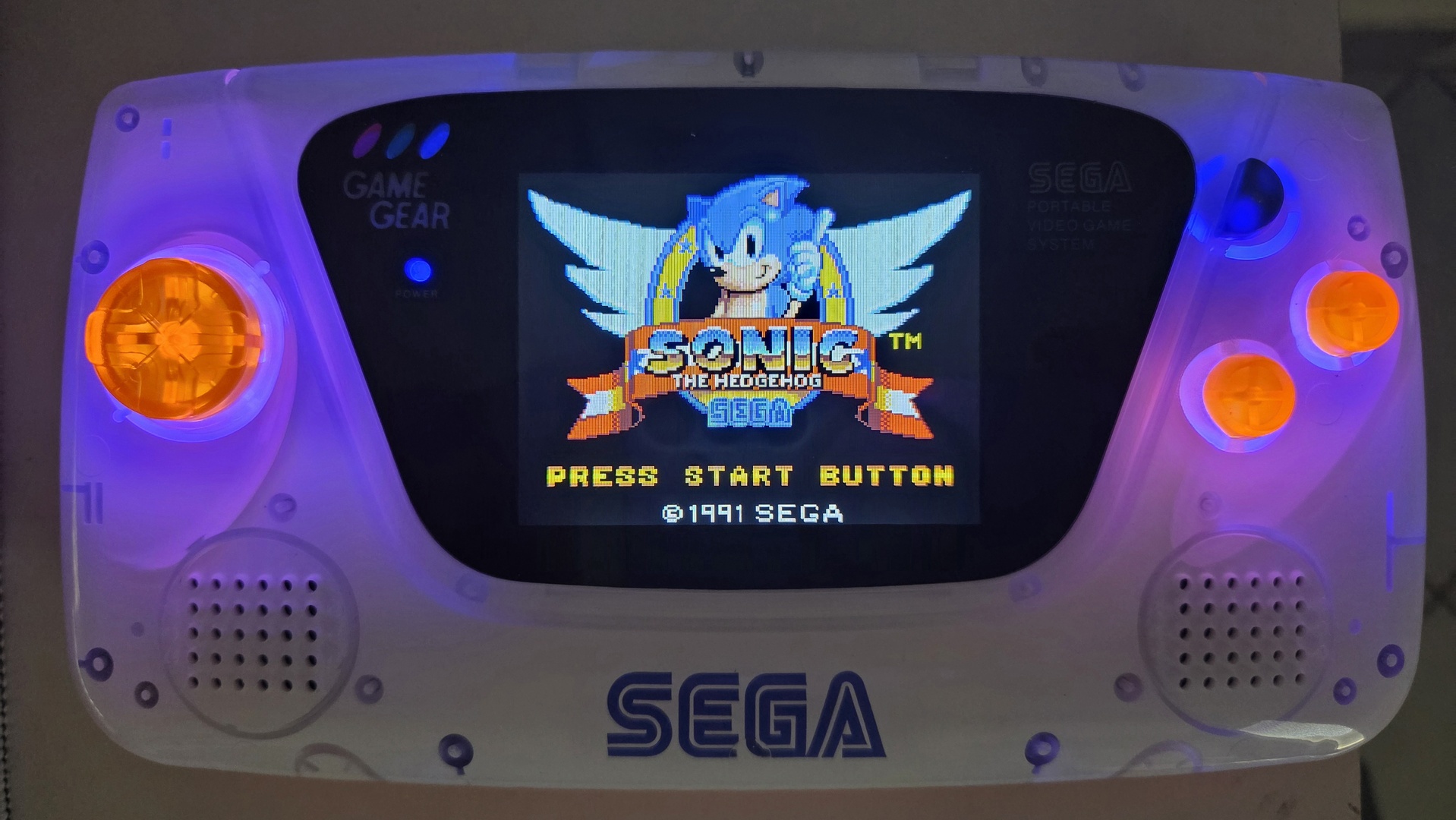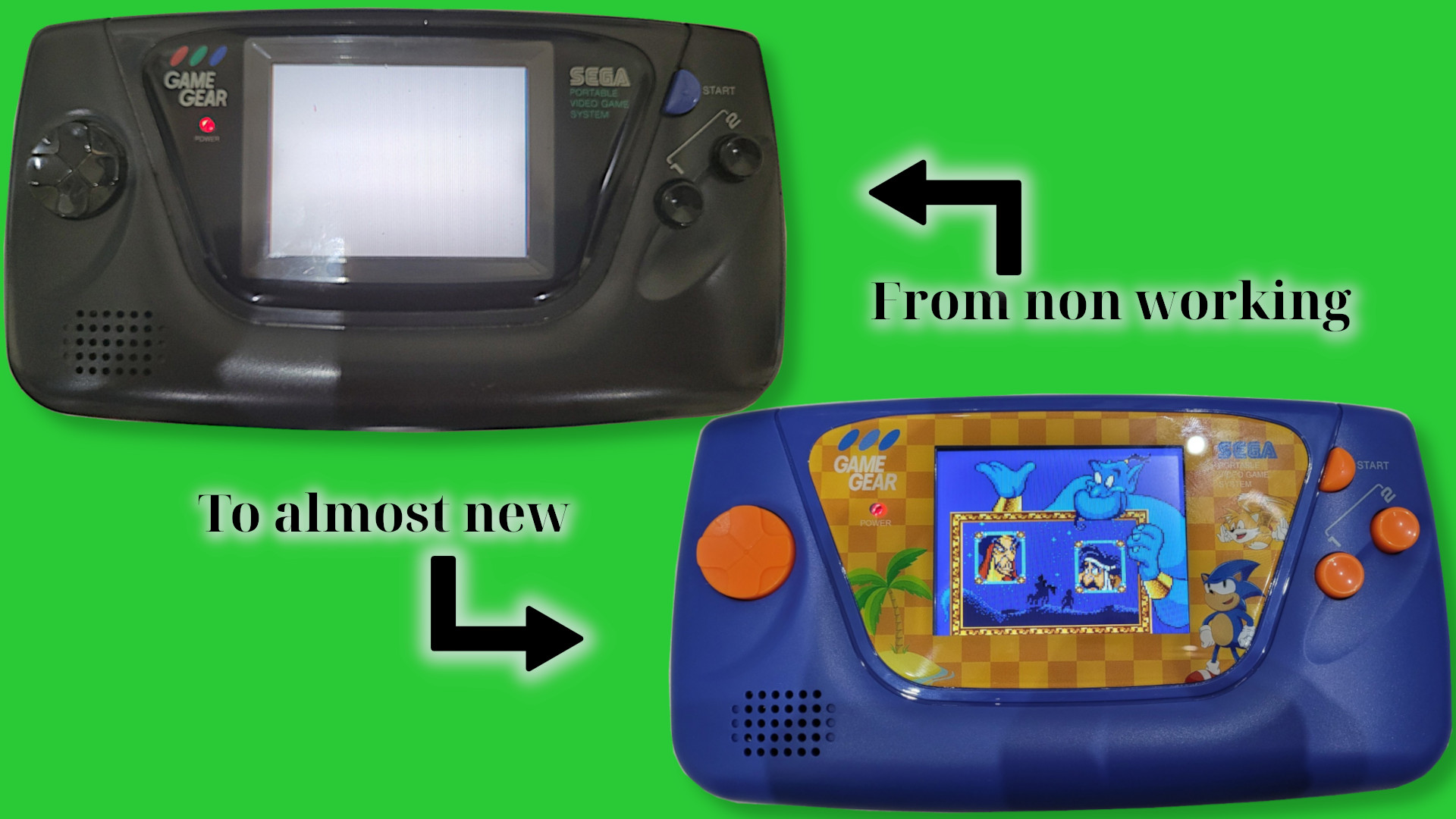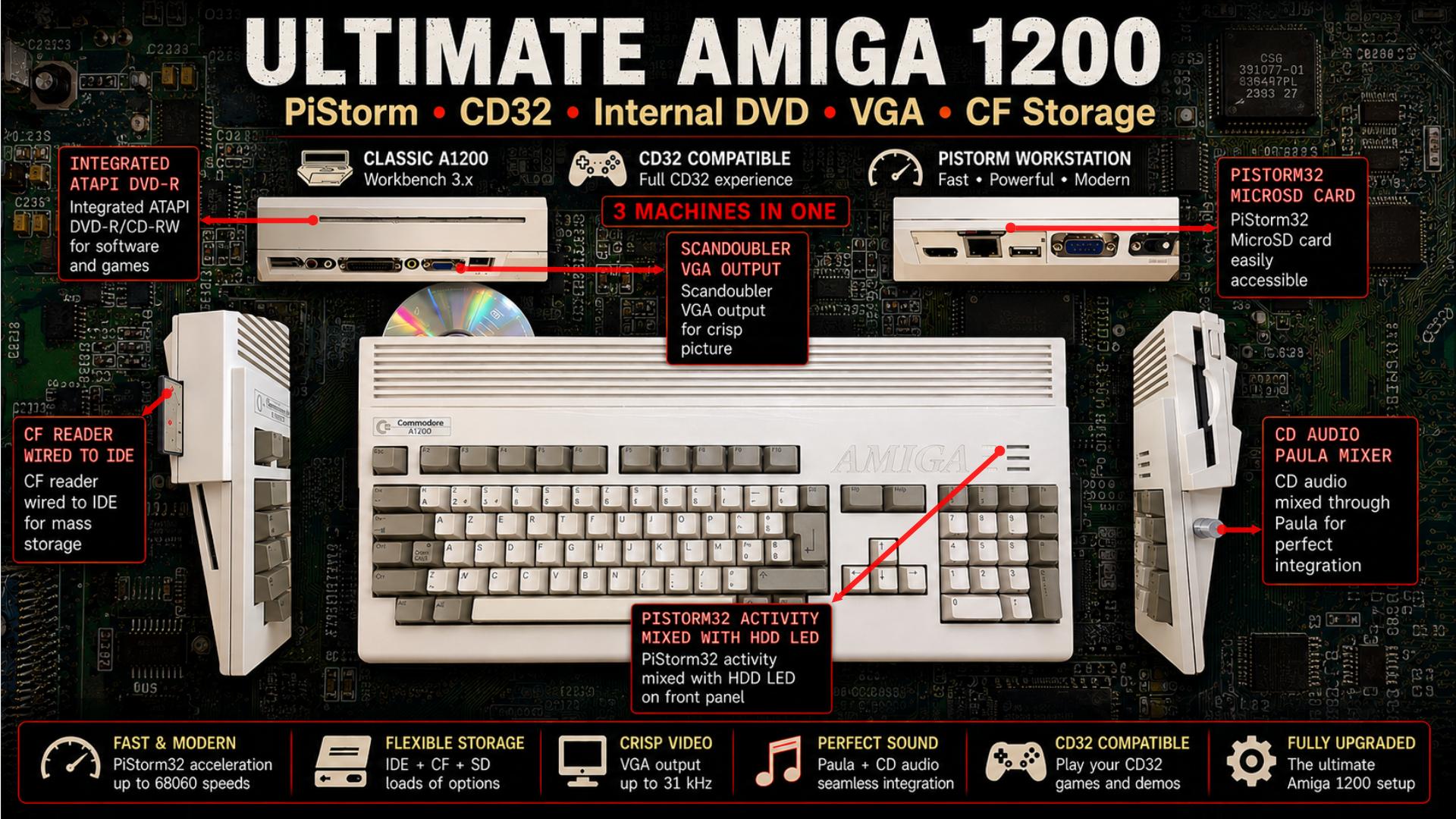
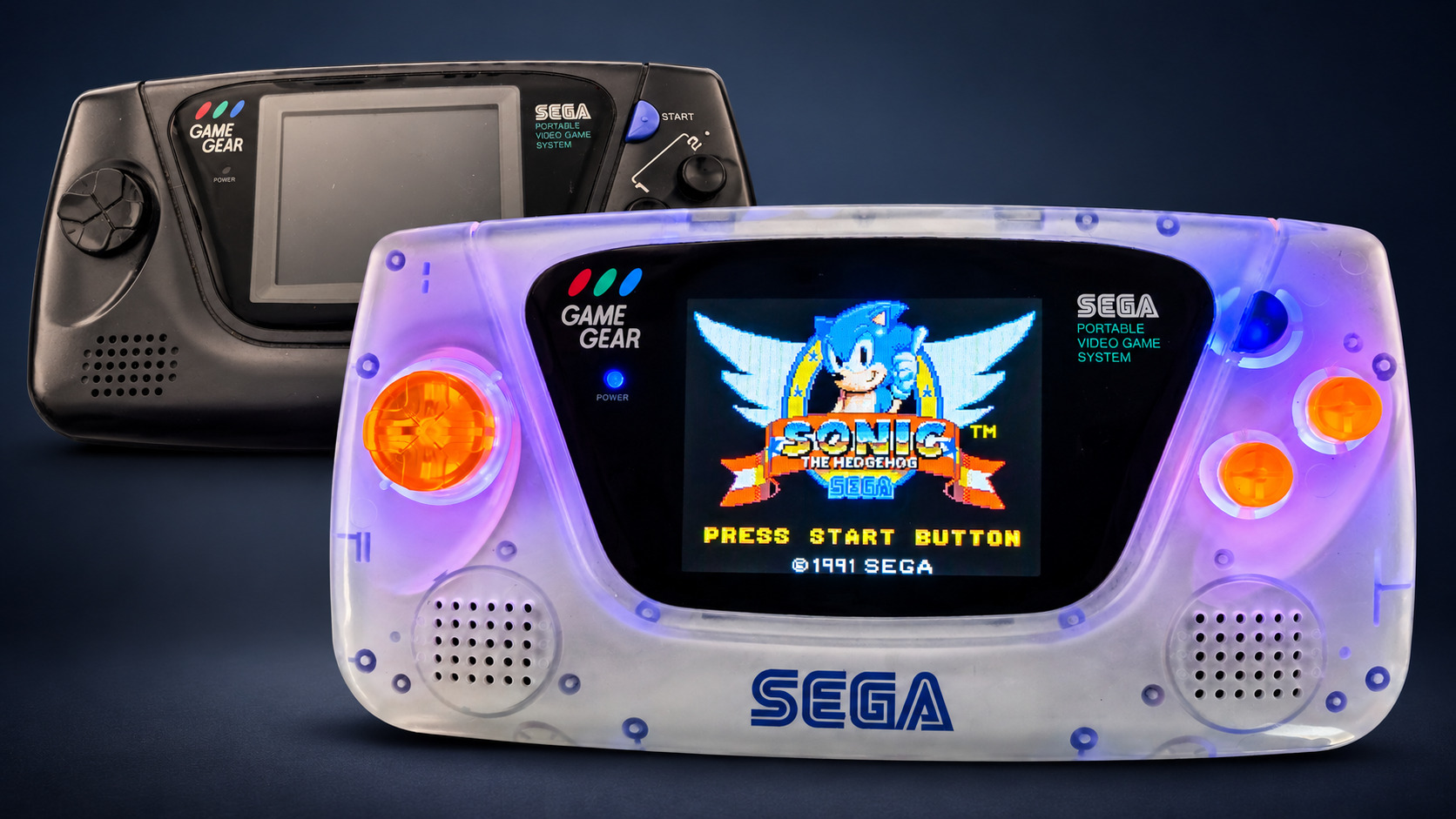
Despite already having a standard black Game Gear and a customized one, I had a new design idea that I wanted to try with another console. It was another kind of trash-to-treasure project: a two-colour design painted from the inside of a transparent shell, with all the bells and whistles one might want in 2026: a new display, battery power, USB-C and backlit buttons.
Used Material
The base material was a functional Game Gear that I had previously recapped.
For the console itself, I used:
- Two translucent housing shell kits for the Sega Game Gear
- Translucent silicone conductive button pads
- An A99E stereo kit
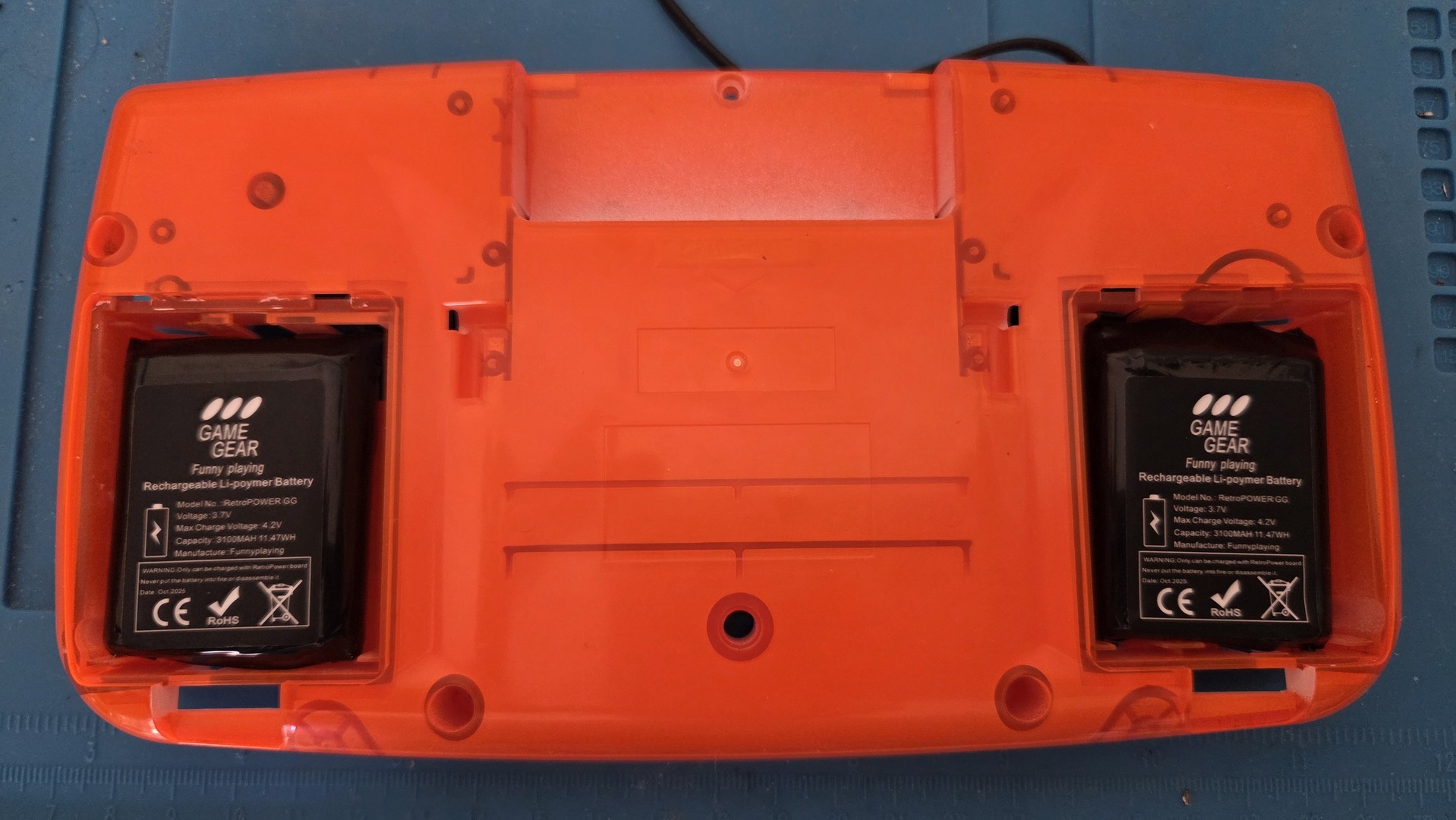
- A USB-C power board and LiPo battery
- An OGS IPS V4.2 LCD
- A blue RetroSix CleanLight LED kit
Be careful about the power supply you choose. The one I bought on AliExpress was not powerful enough to boot the Game Gear with the new display. The exact same configuration worked with an SYF LiPower V1.7. The AliExpress power supply worked on another Game Gear with a RetroSix V1.0 LCD, which is less power-hungry. So be careful with this power supply: it is definitely not powerful enough for modern Game Gear setups.
For the decorations, I used:
- edding 5200 permanent spray - traffic white matt (amazon)
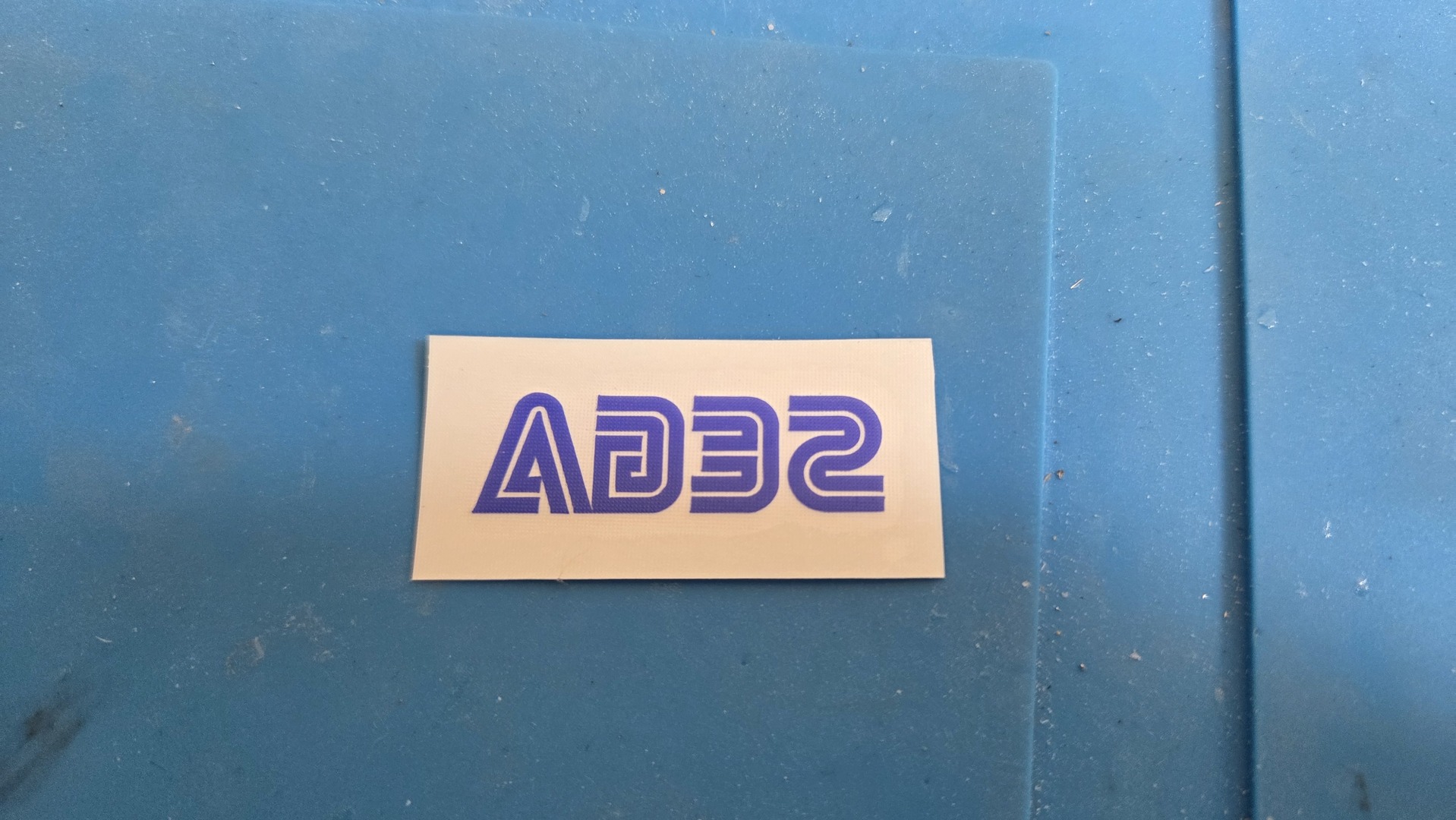
- A custom Sega sticker from clickNstick.fr: inverted, medium blue, with a custom size of 4 × 1.23 cm
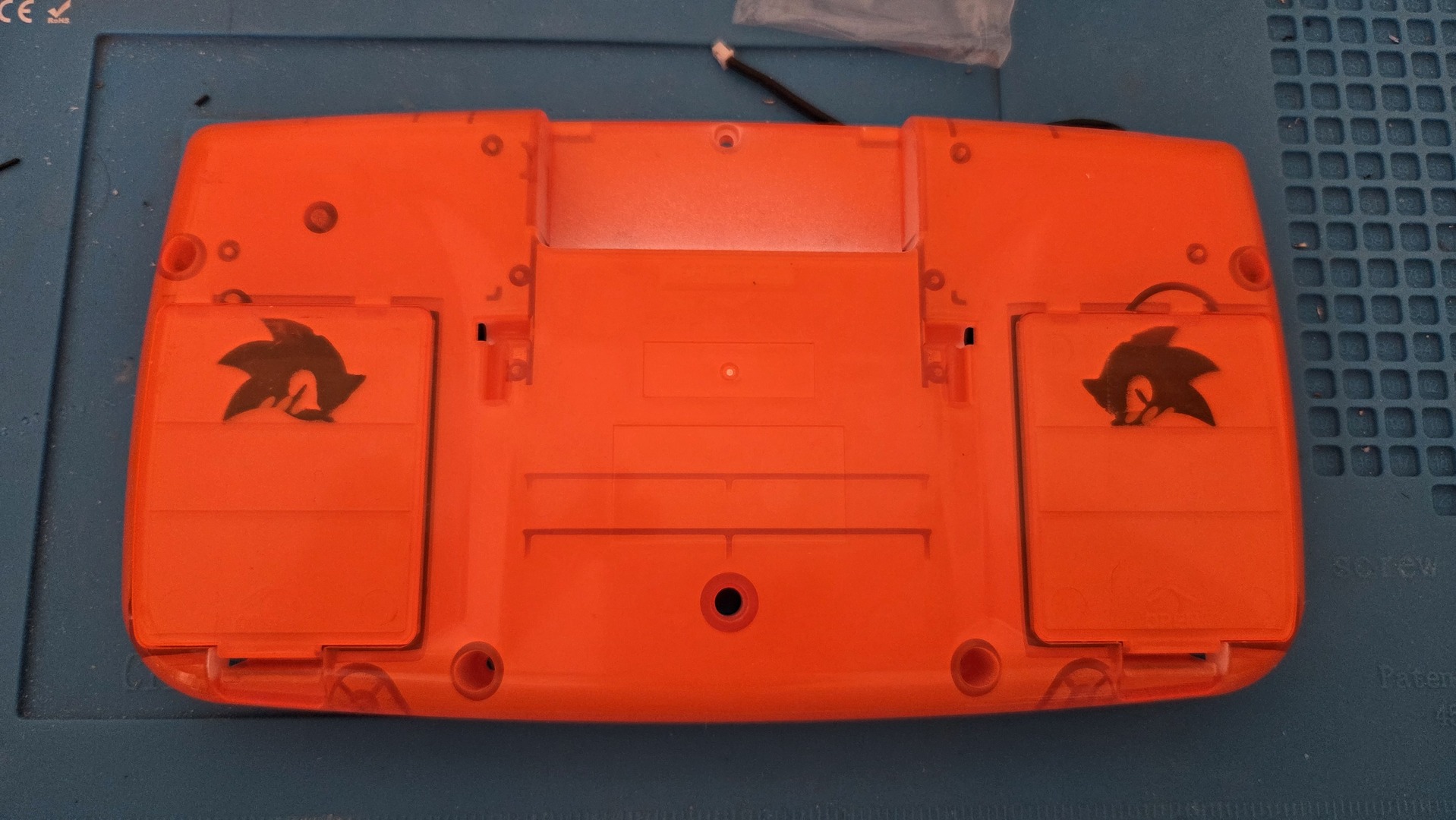
- Two 3D-printed Sonic heads from Thingiverse
- Thin double-sided adhesive
Screen replacement
Removing the screen is covered in plenty of videos and tutorials, so I am not covering that part here.
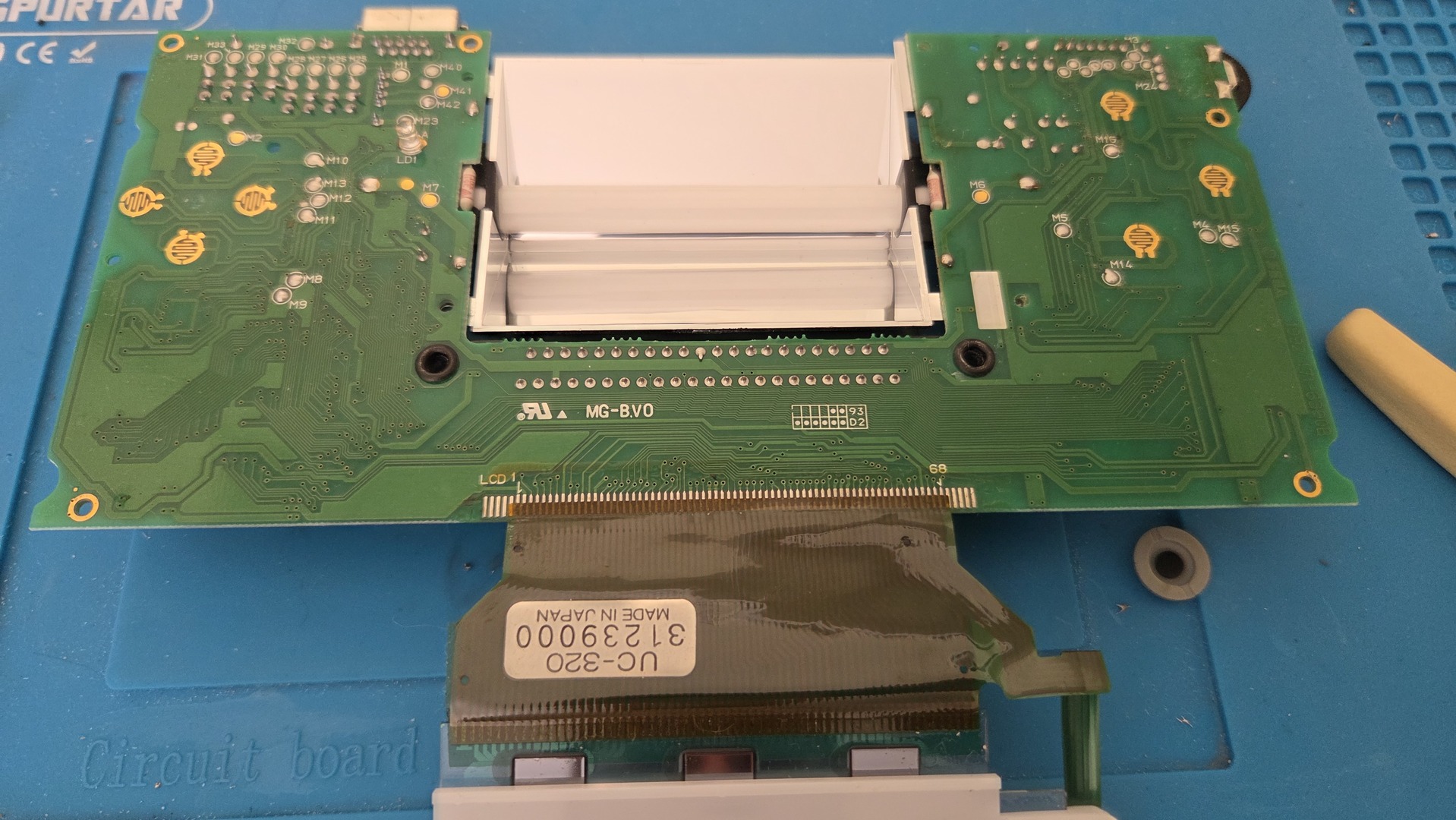
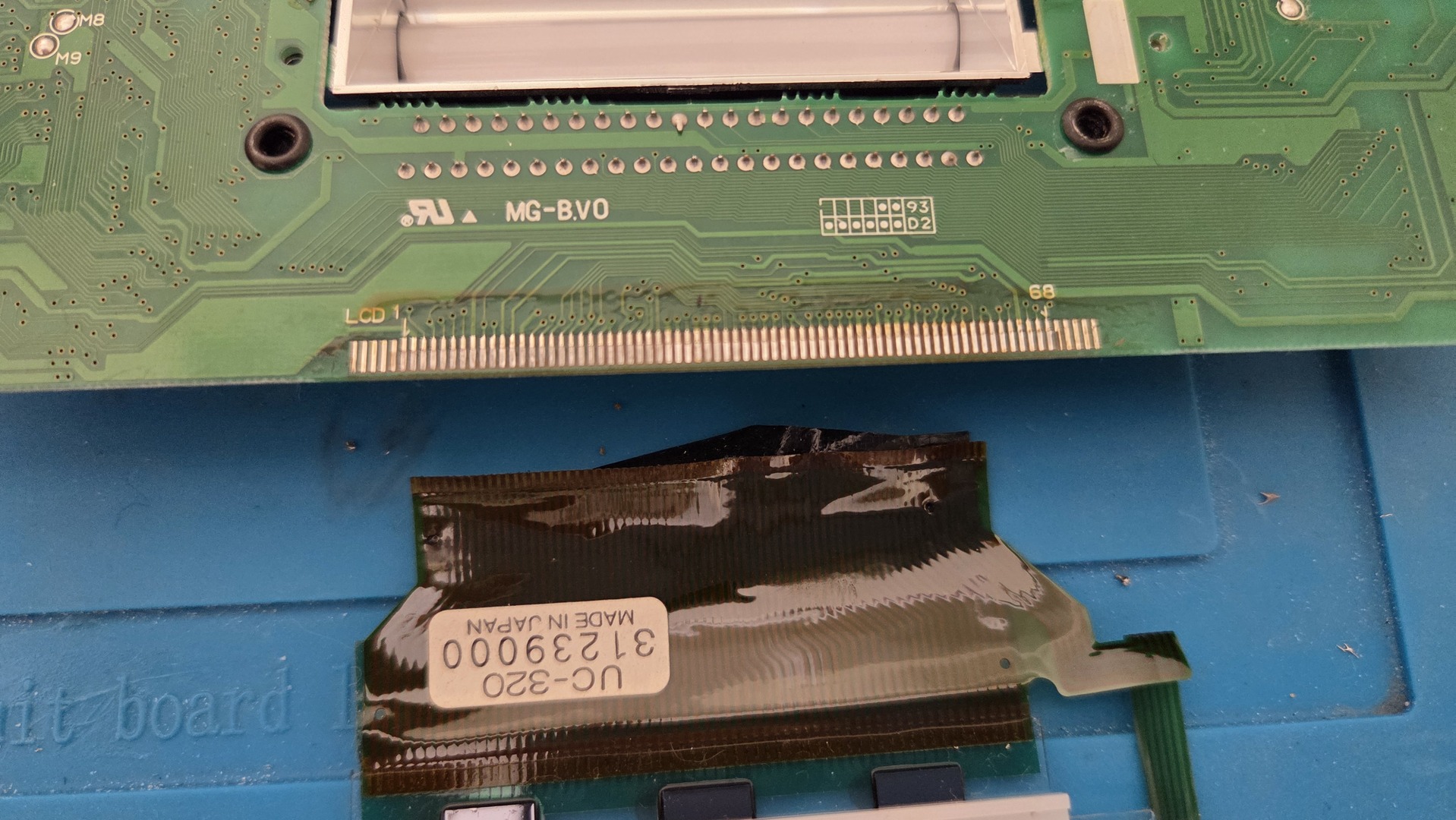
Note that I received no documentation with the kit, and the product page did not show anything either.
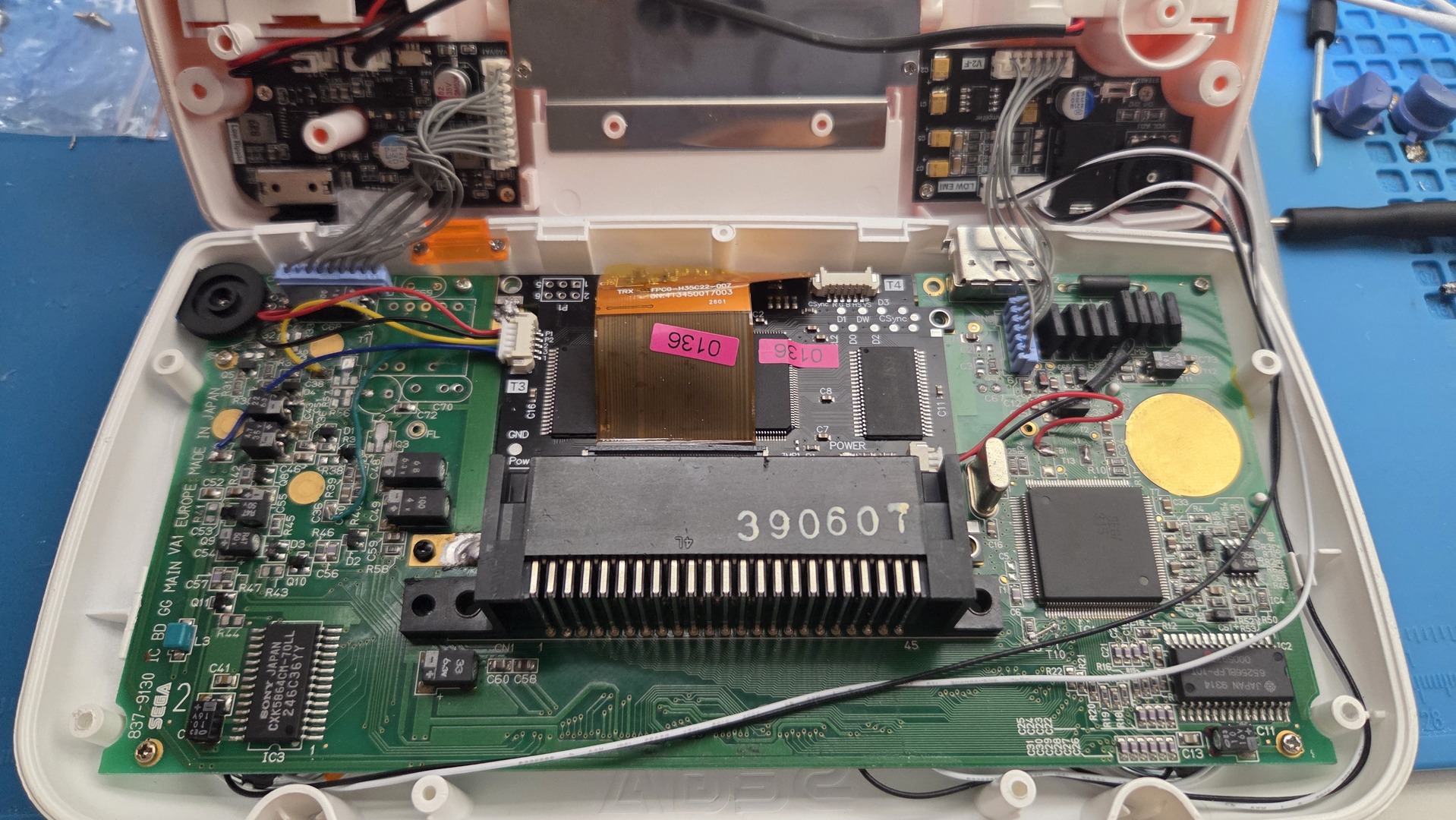
The first thing I did was cut some cartridge-port pins to make the area flatter for positioning the ribbon cable.
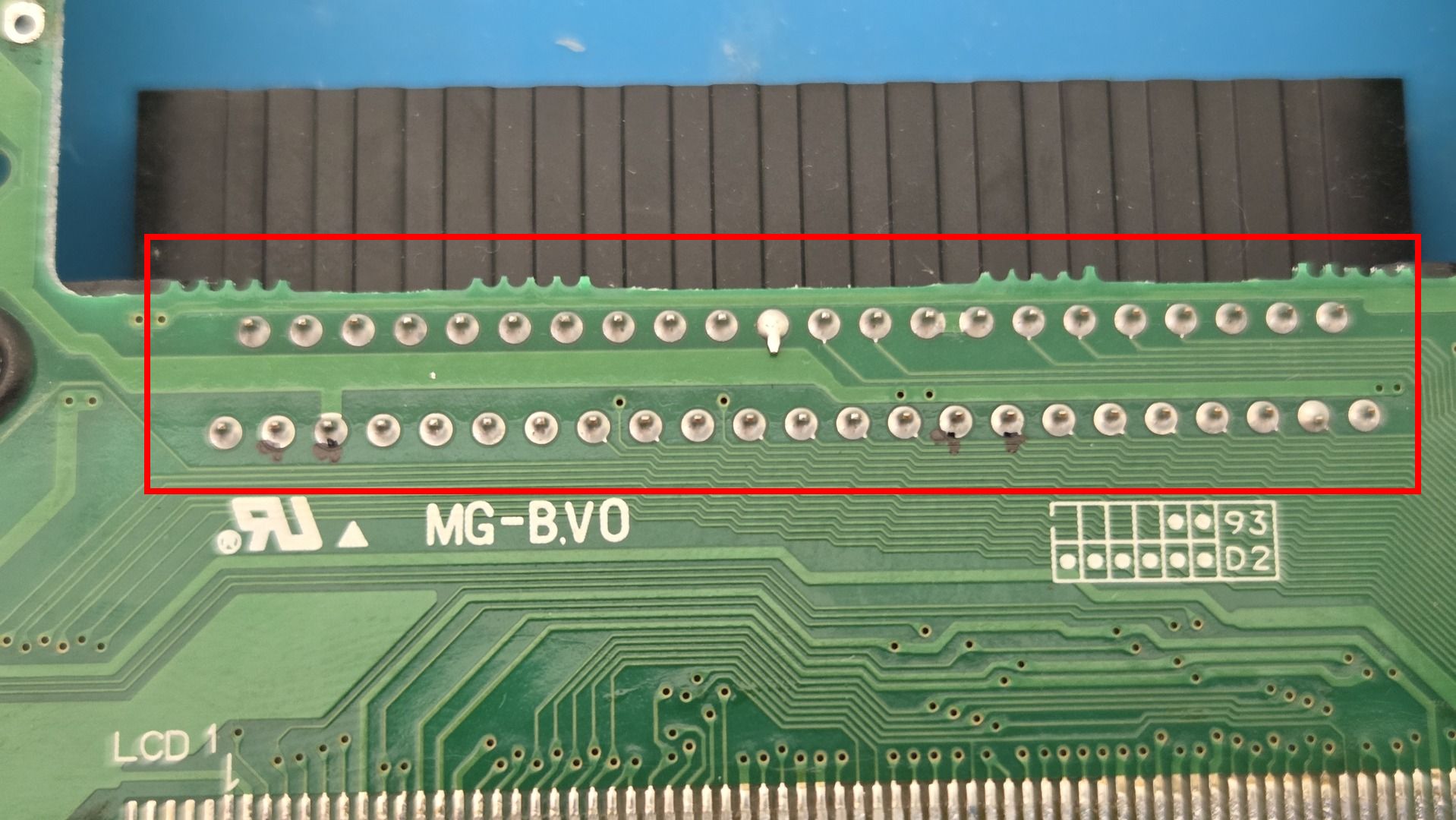
I positioned the ribbon cable and first soldered one point to make it more stable. Then I used a little flux and started with the screen connectors.
Make sure the connections are solid and have enough solder. My first attempt had good continuity, but part of the display showed vertical lines. I had to reflow the connections and make the pads thicker.
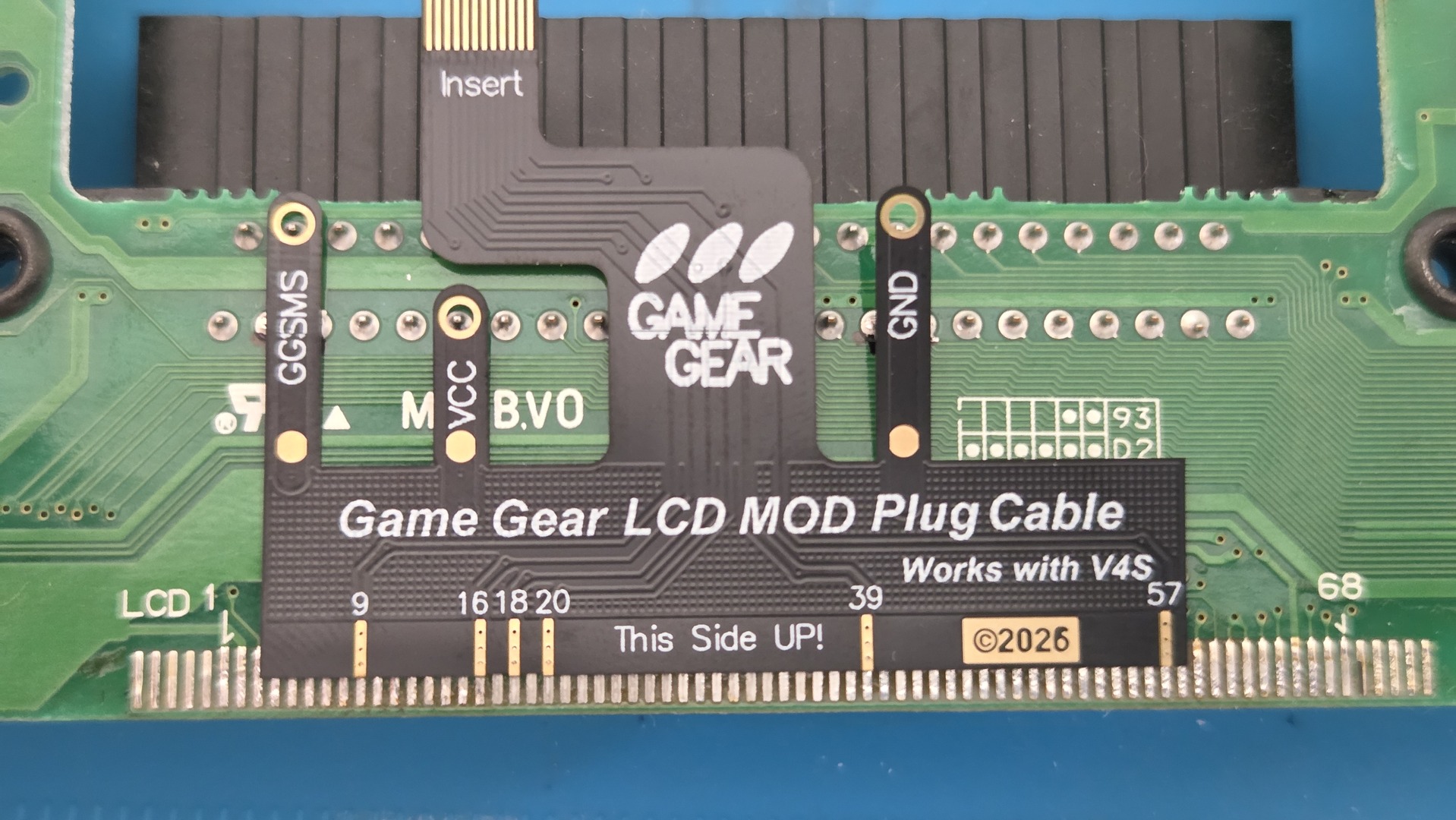
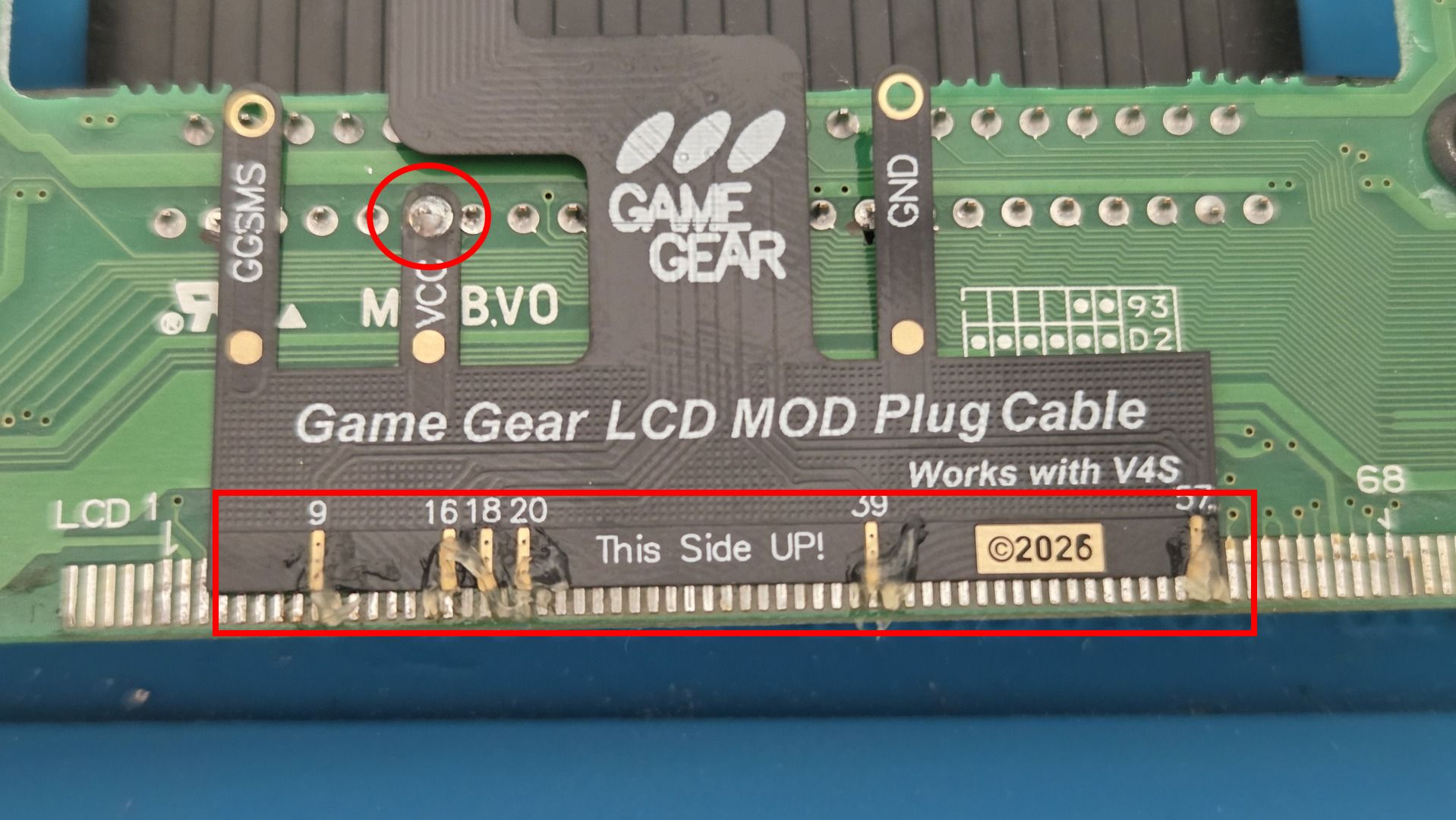
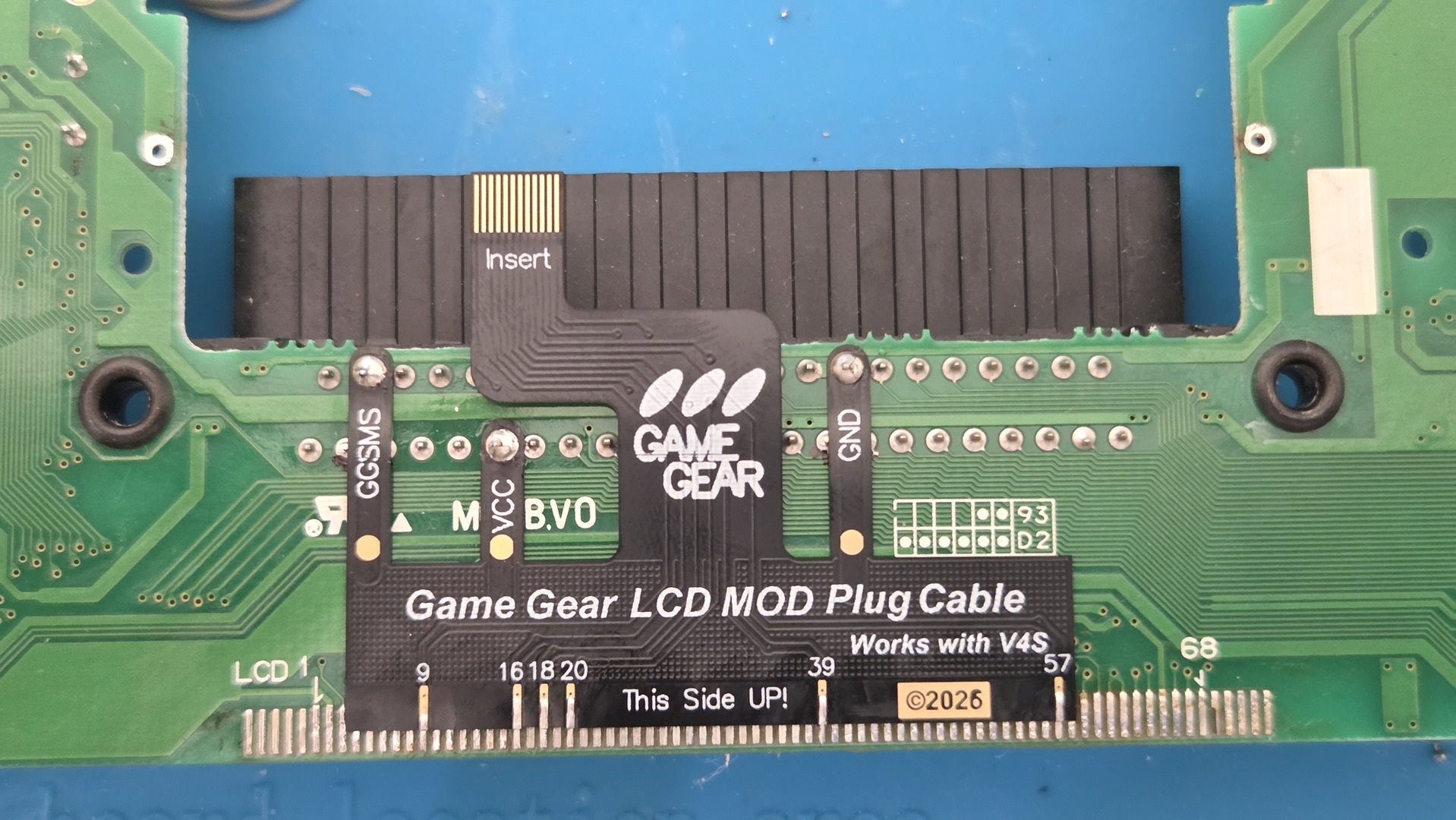
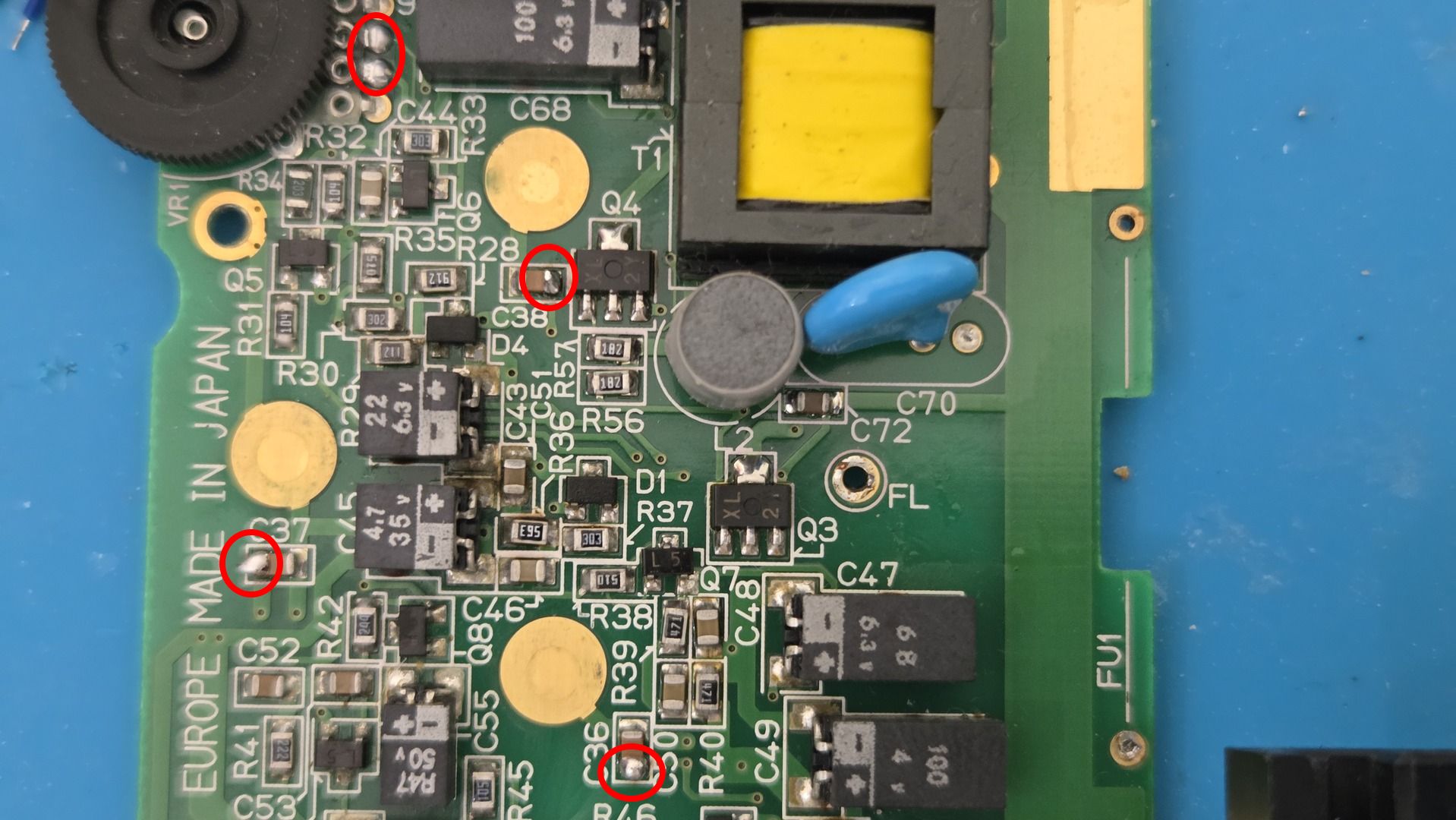
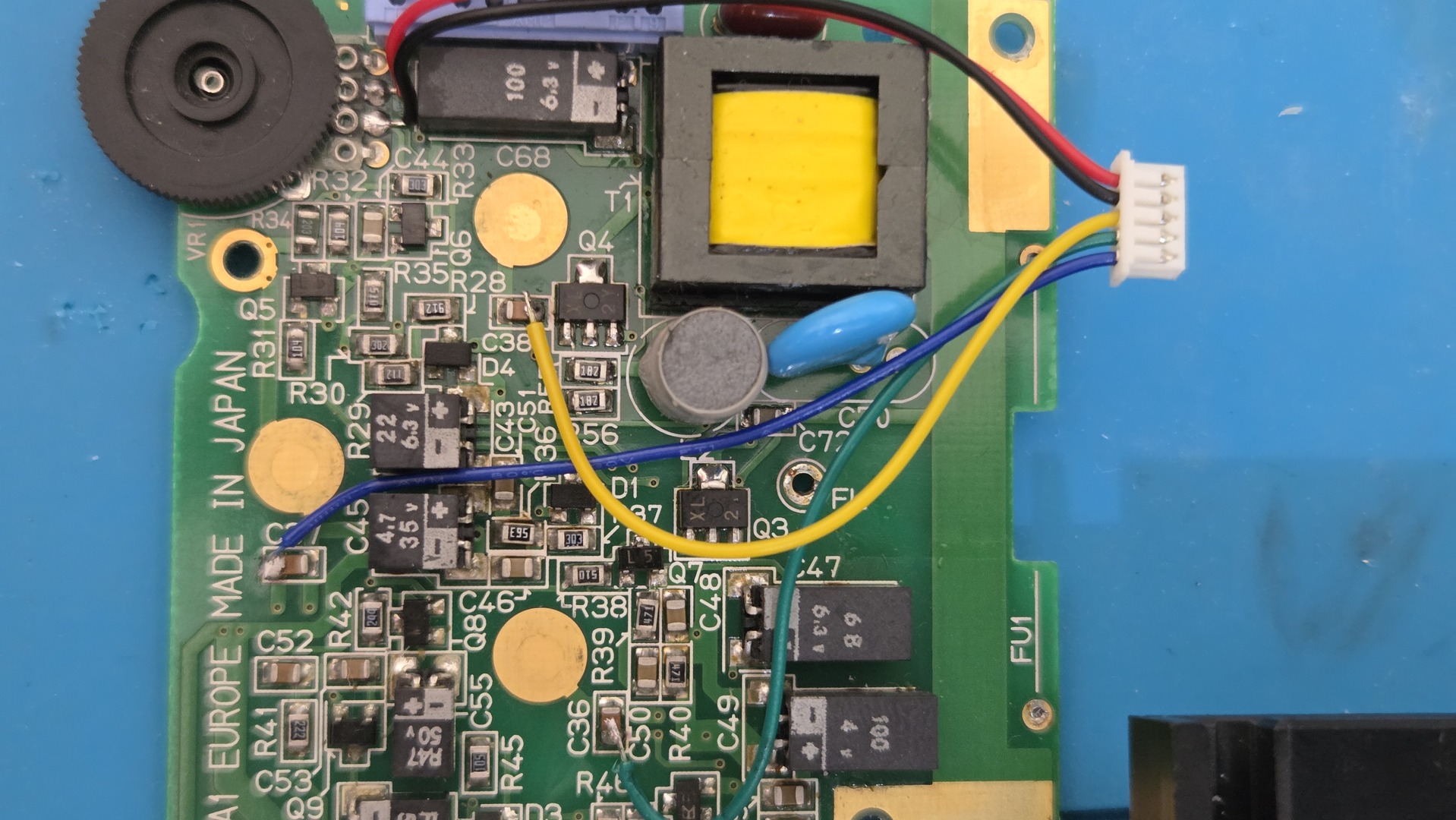
The supplied connector does not always seem to have the correct colours. The correct wiring is: P1 and P2 go to the light/contrast wheel, 2 goes to C38, 3 goes to C36, and 1 goes to C37. On the other side, CLK goes to FB1; black is unconnected.
I started by adding a little solder to each point before soldering the wires.
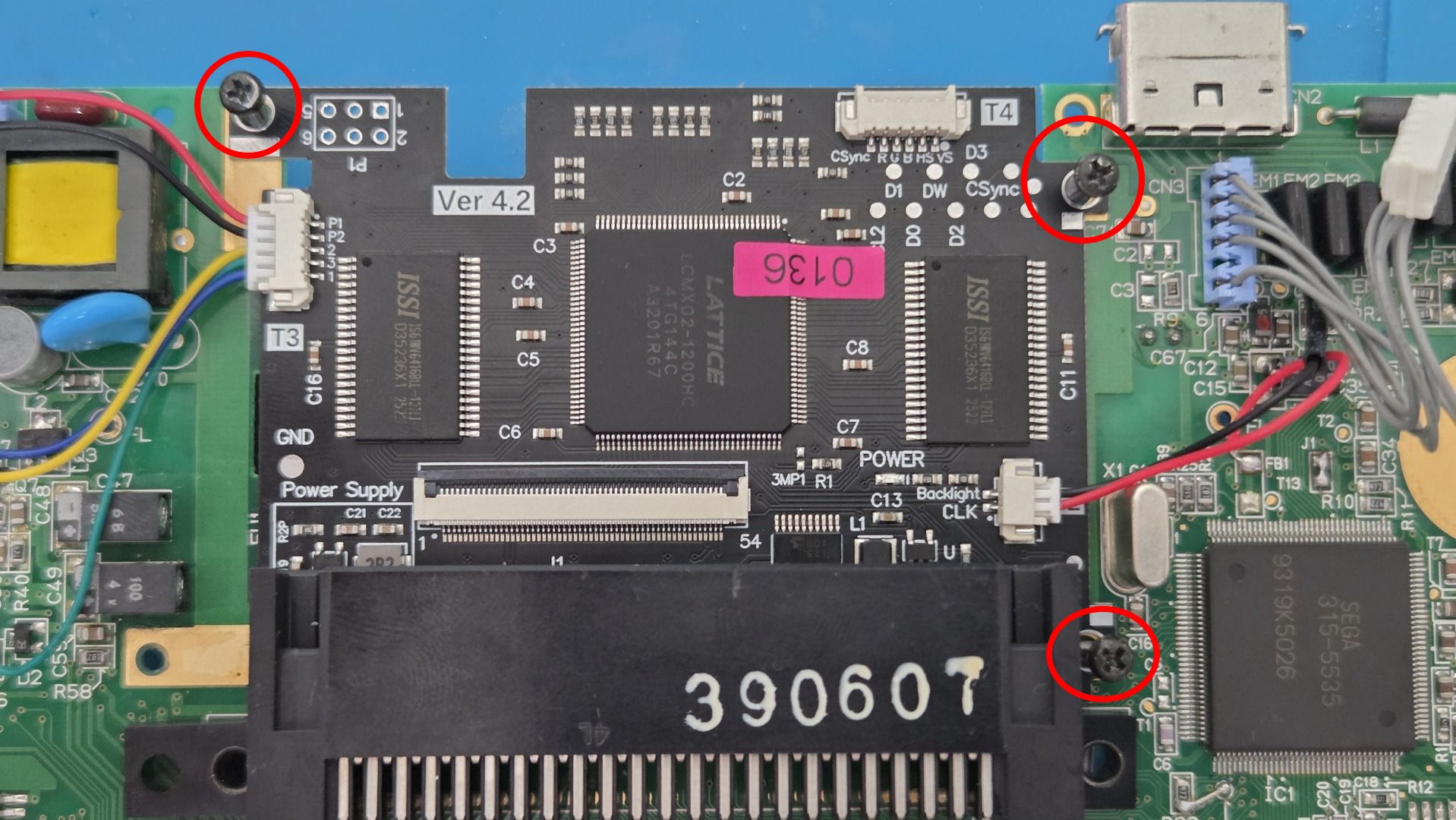
To solder the display board, I used original shell screws in the three matching holes to hold the board in place while soldering the joints.
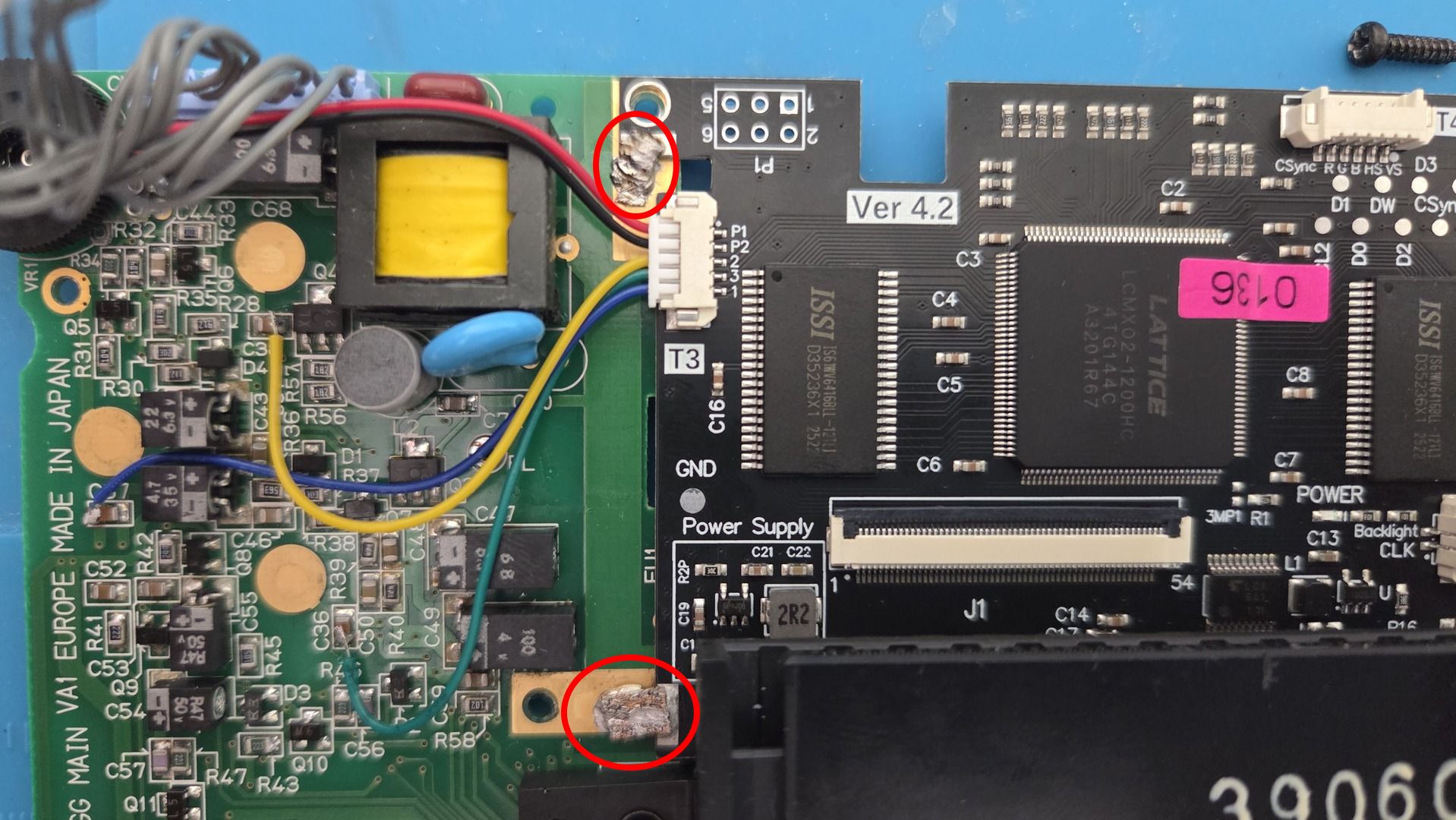
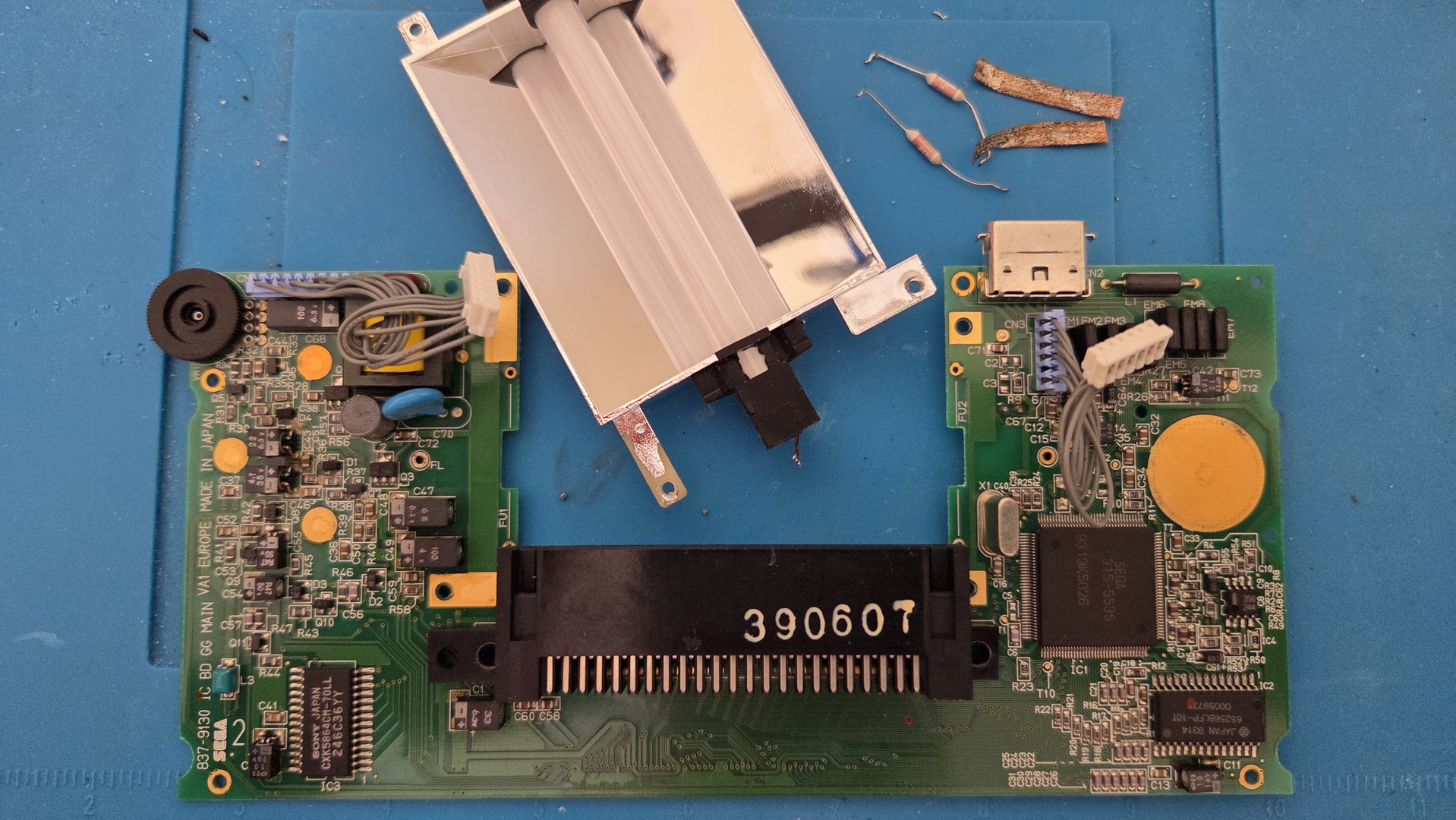
As explained earlier, the kit came with no documentation. I discovered that some components had to be removed. Leaving these components in place makes the screen display random coloured pixels. Removing them also frees some space for the new display’s wires.
The photos below show, from left to right: the display with the components still on the motherboard, the removed components, and the result without them.
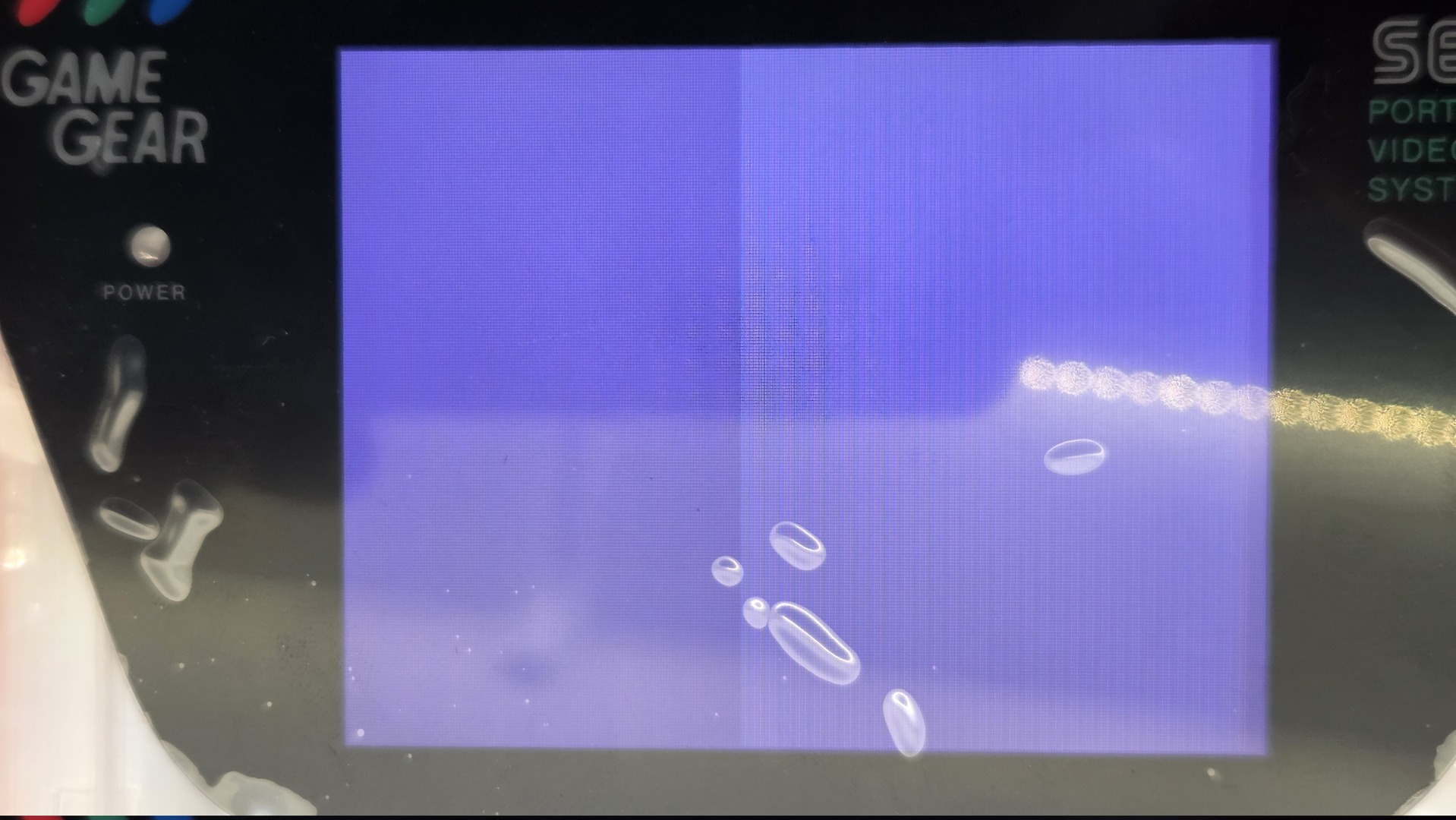
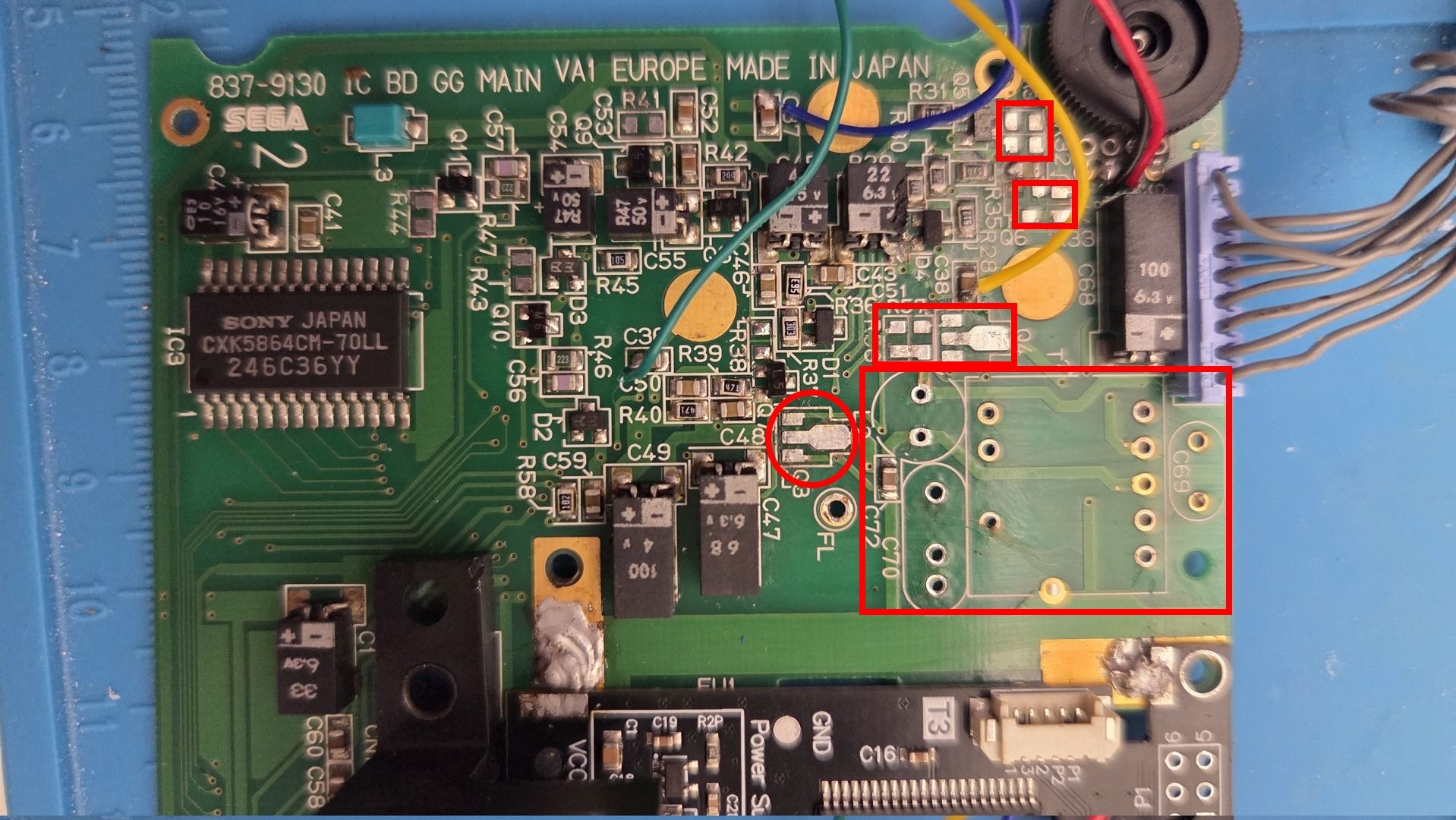
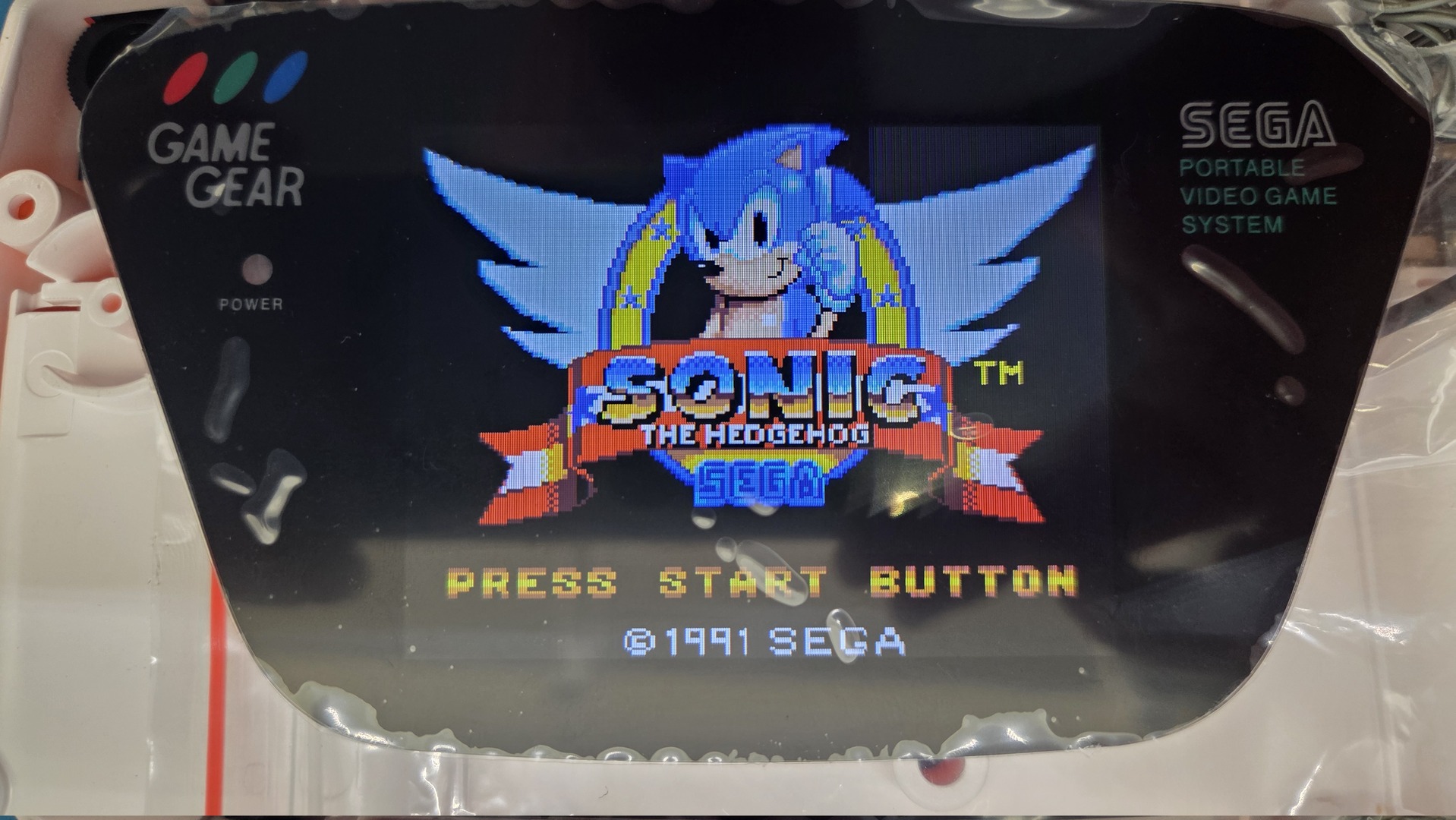
Note that I also removed T1, which is no longer used because there are no light tubes.
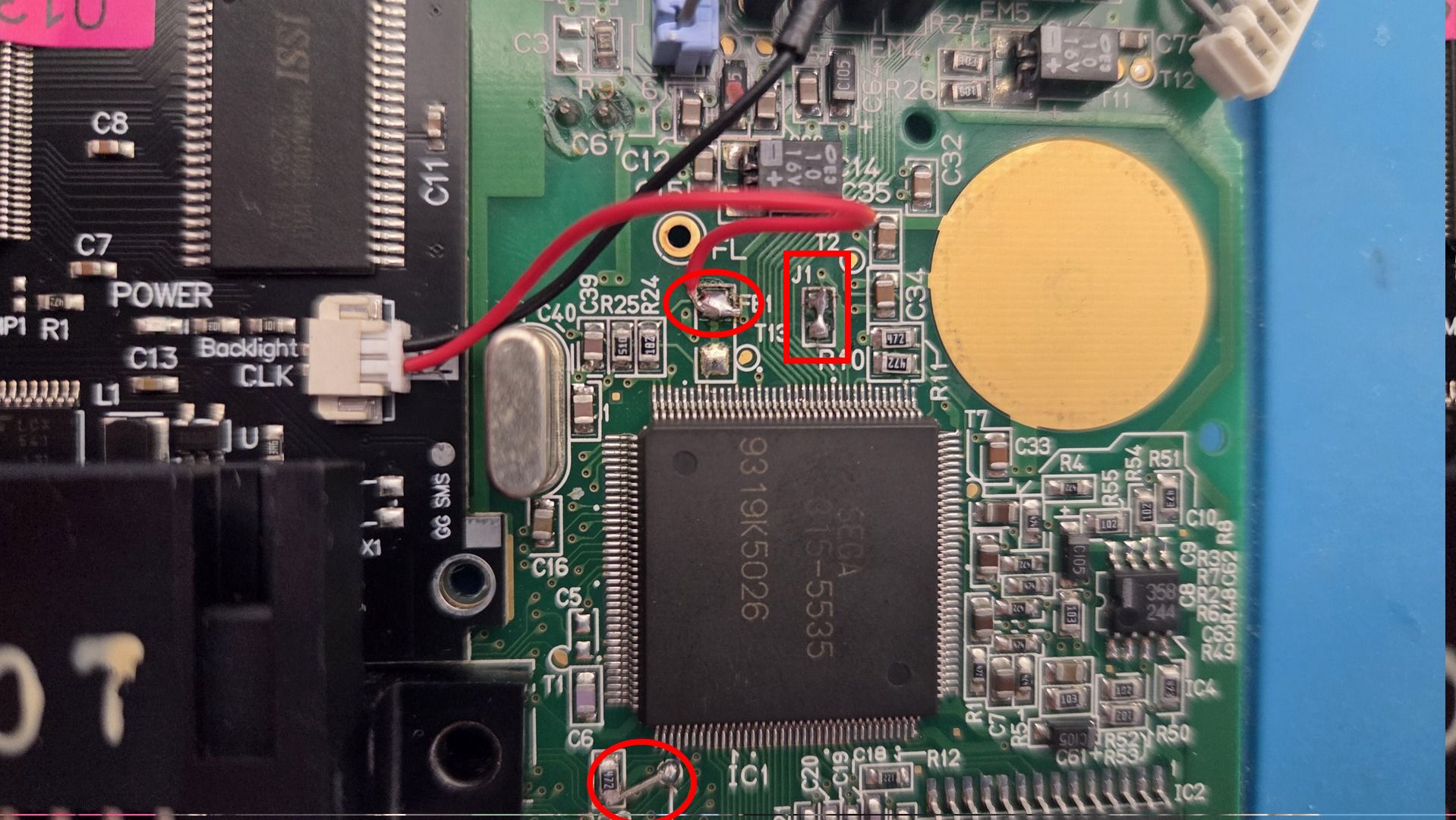
On the right side of the console, there are two things to do:
- Bridge R23 and T10; I did this with a piece of capacitor leg.
- Solder the red wire to FB1.
- Leave the black wire unconnected; I protected it with heat-shrink tubing.
While I was soldering, I added solder to bridge the J1 connectors and get rid of the TMSS message (ConsoleMods: Game Gear model differences).
Backlit buttons
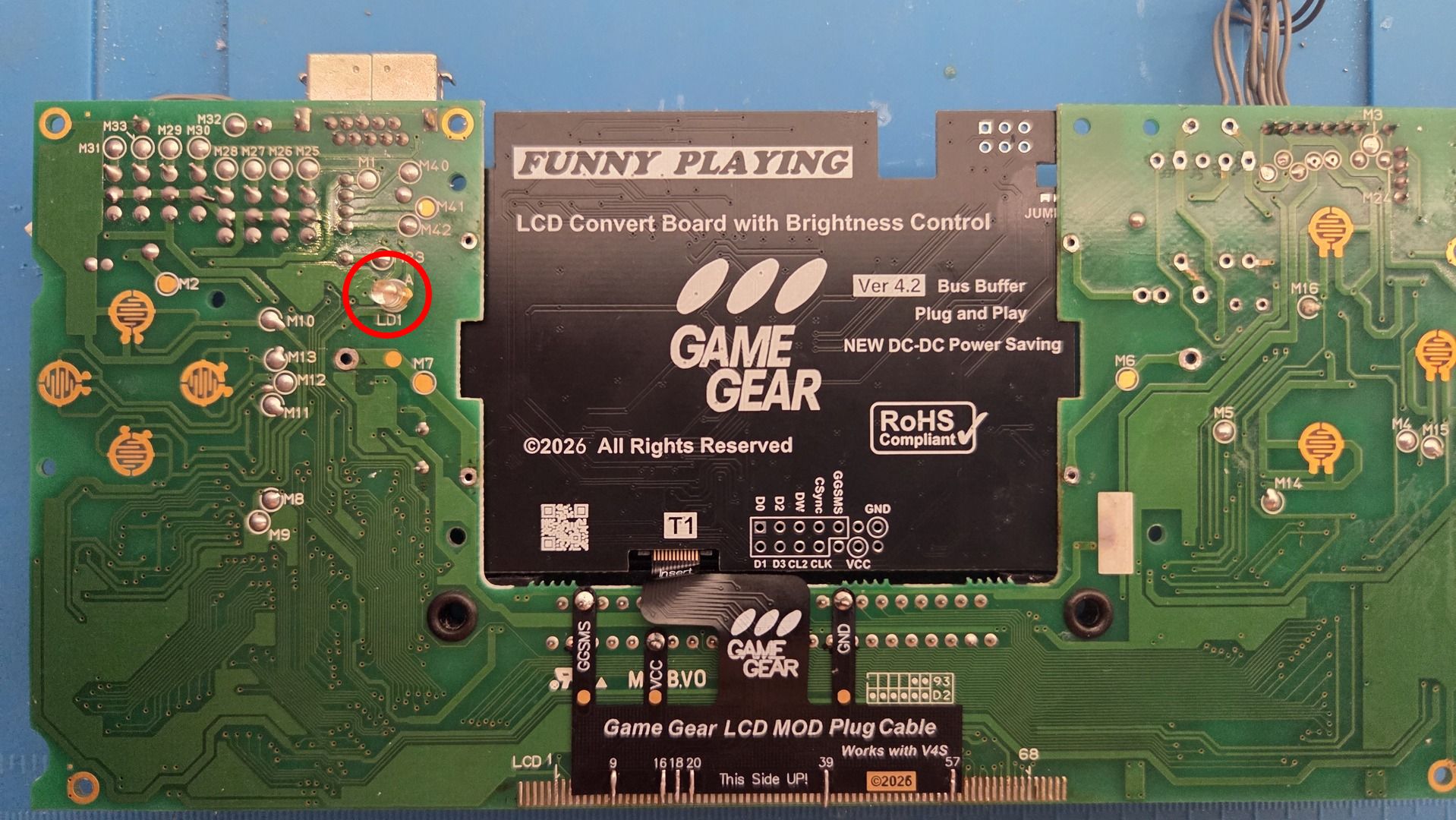
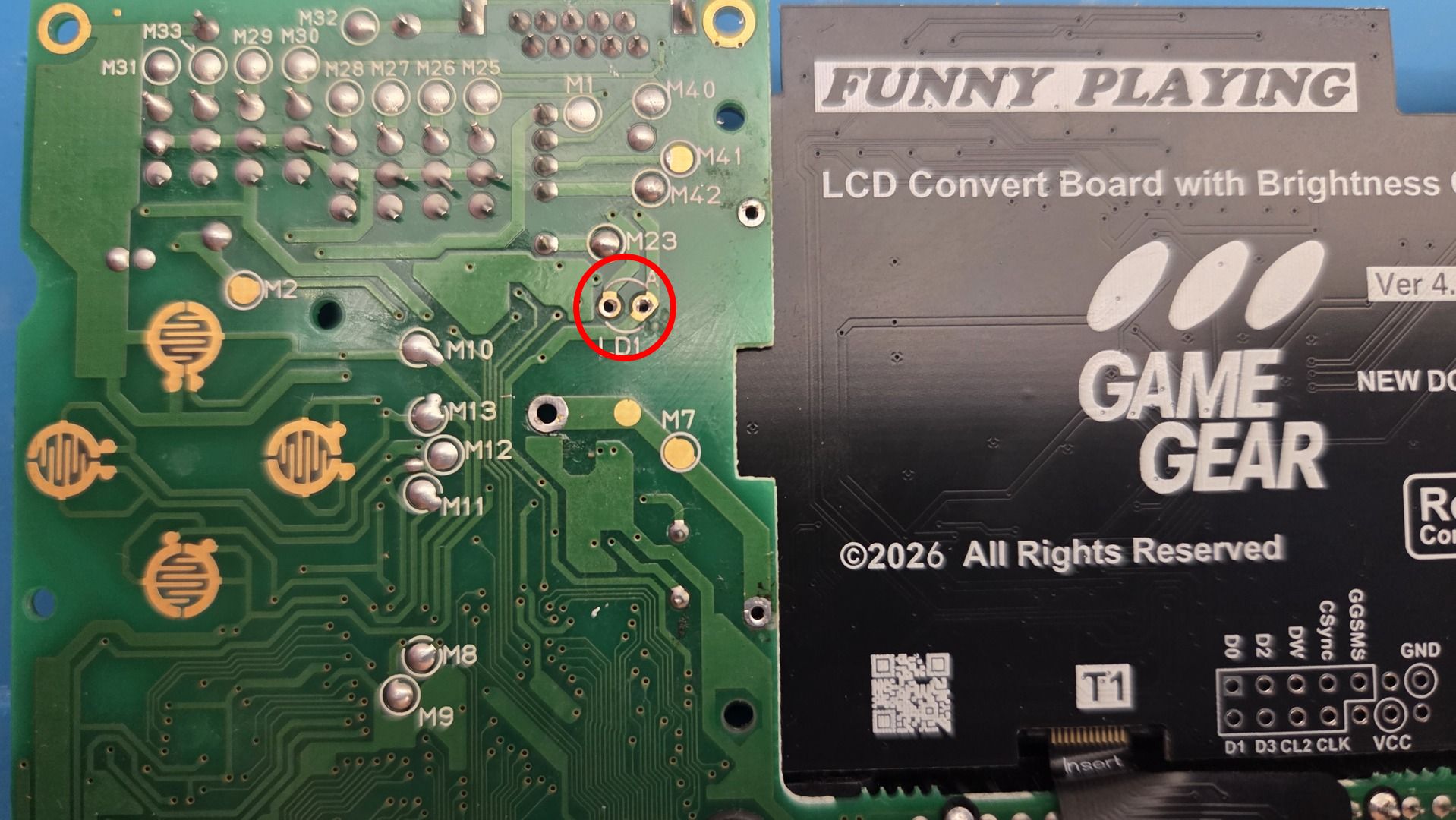
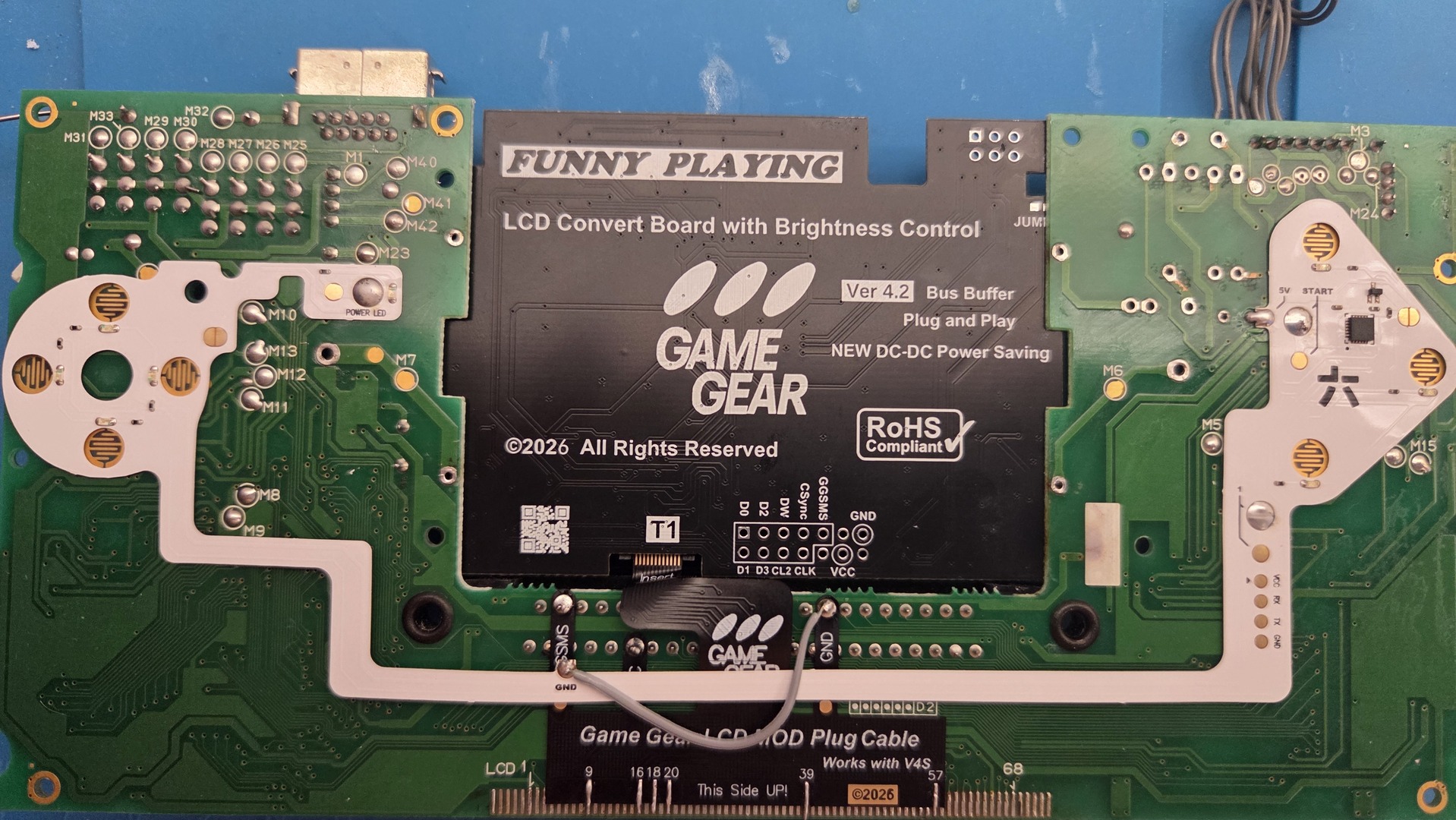
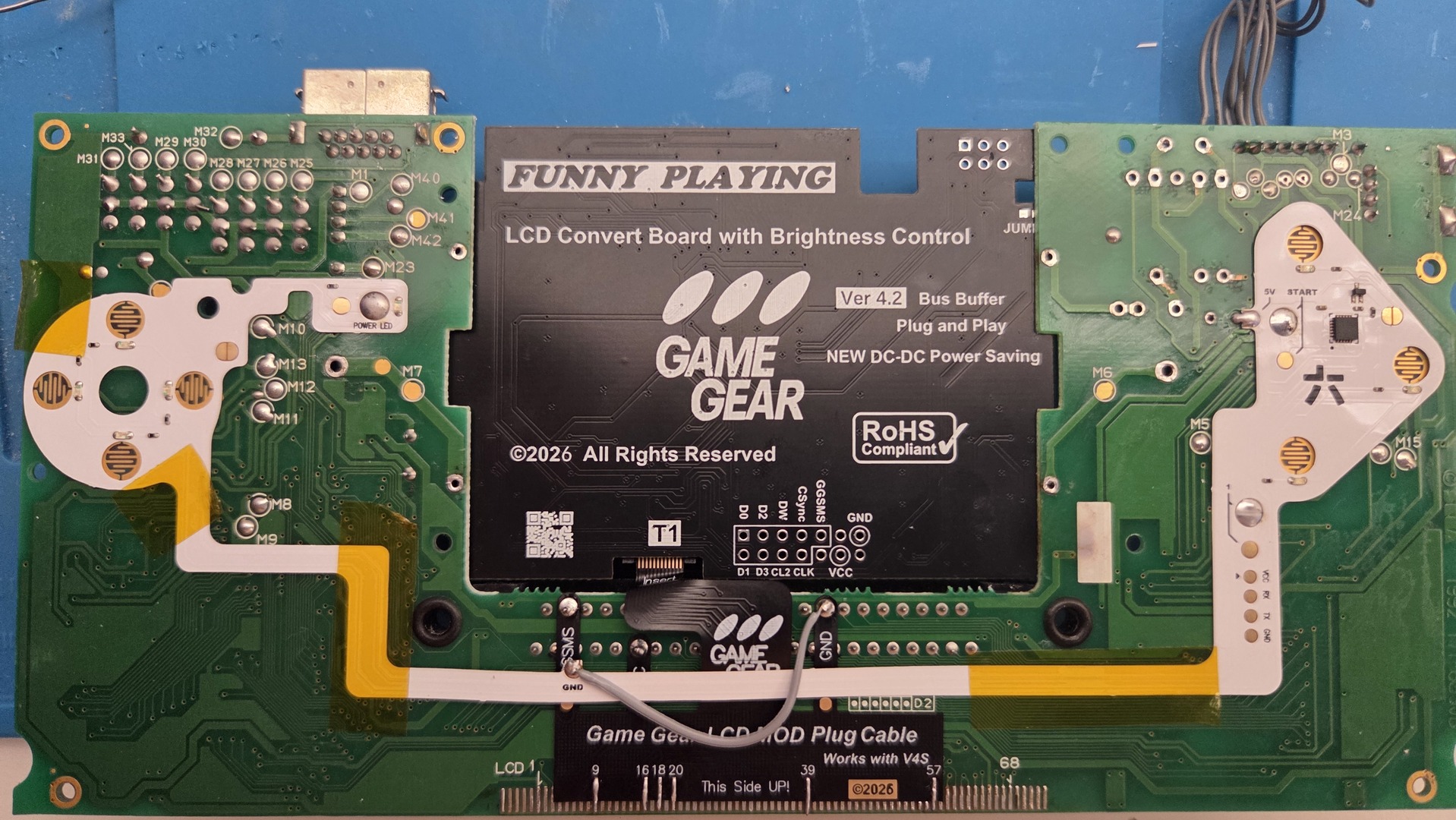
For button backlighting, I used a RetroSix CleanLight kit. It was very easy to install and well documented. The first step was to remove the original battery LED, then align the kit and solder one point to hold it in place before soldering all the other points. The only wire needed was for the ground connection. I added some electrical tape to hold the kit on the motherboard.
Custom shell
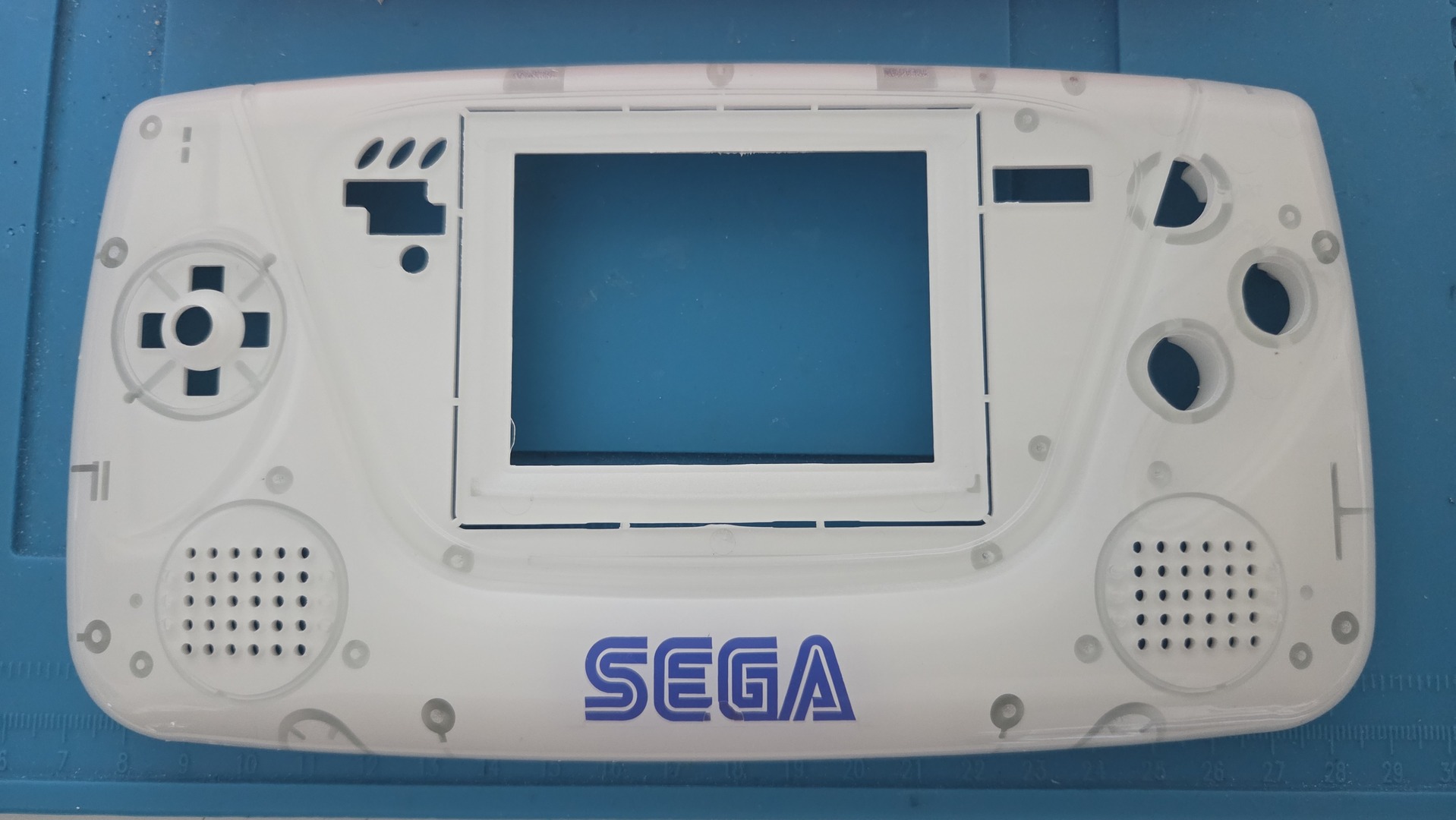
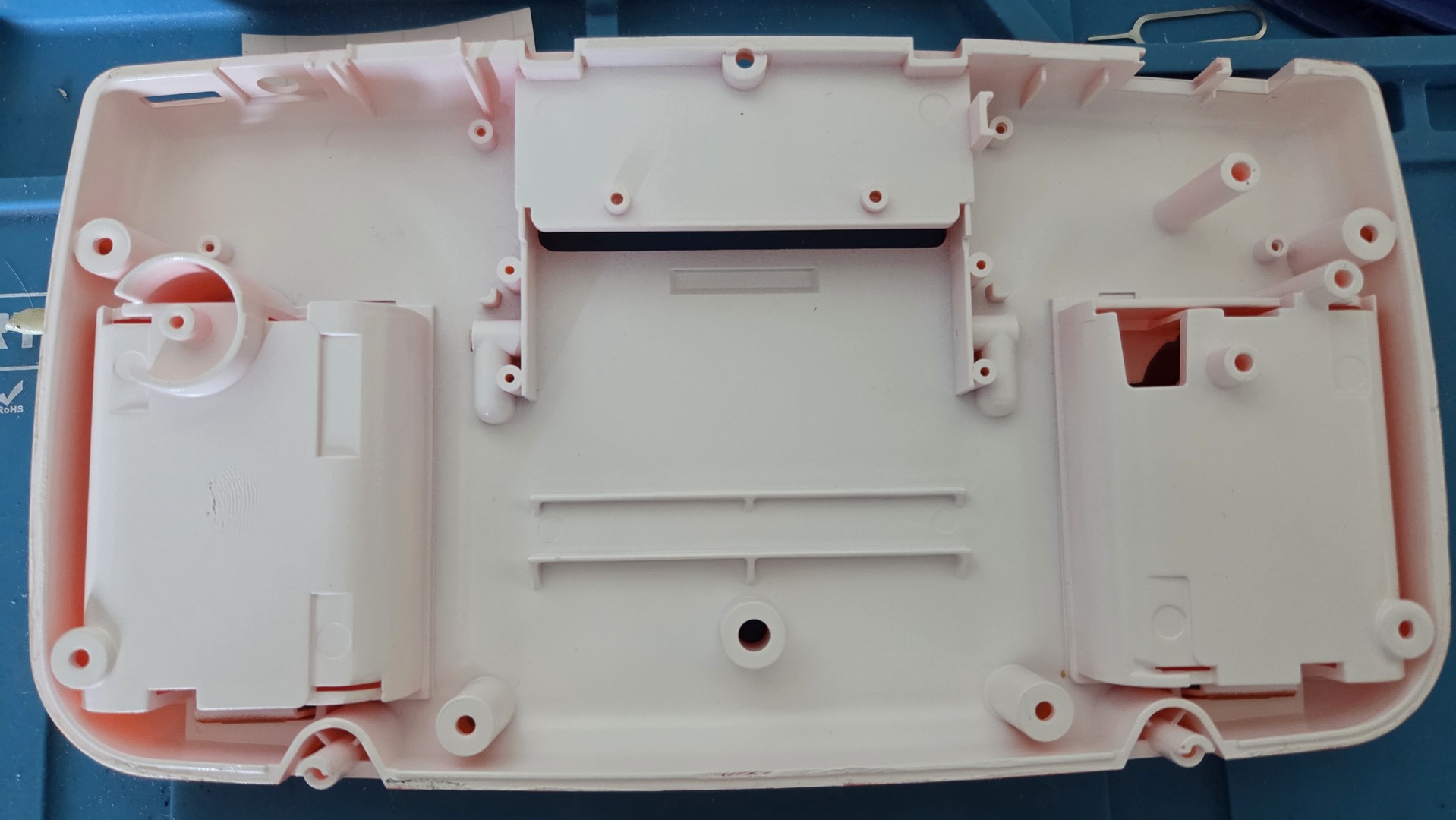
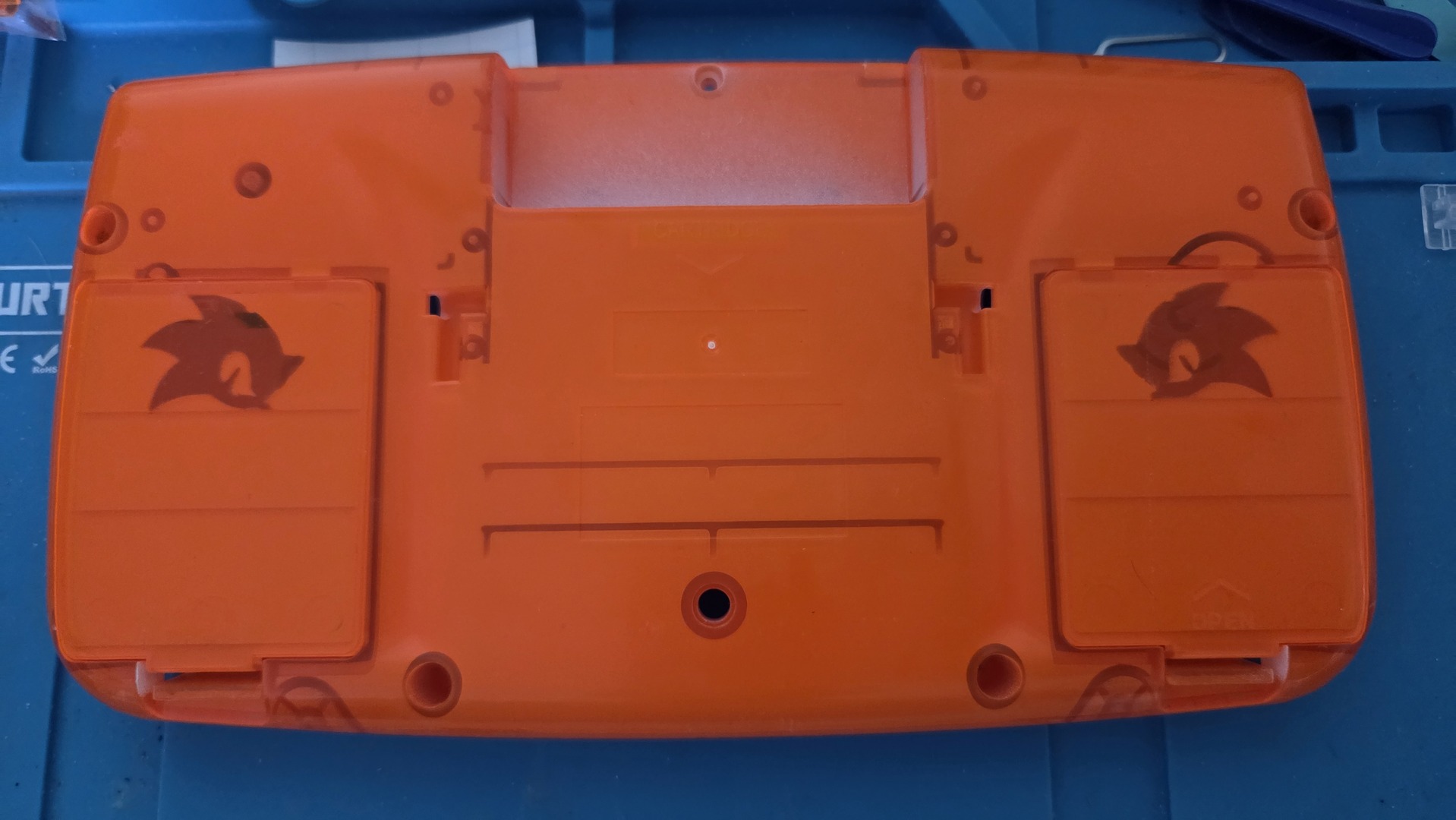
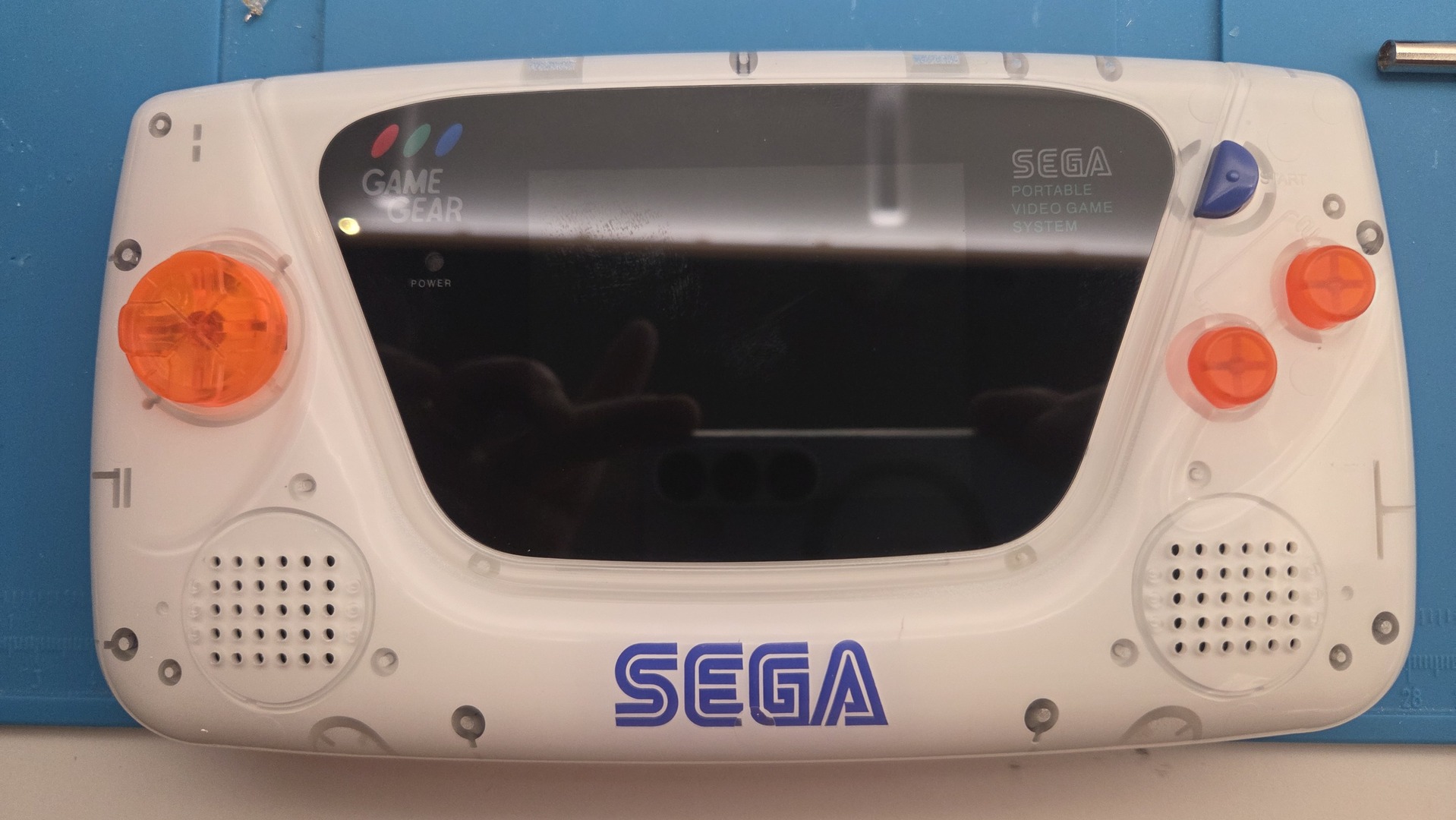
The shell design is based on a clear, transparent shell, to which I added a Sega sticker and applied spray paint on the inside.
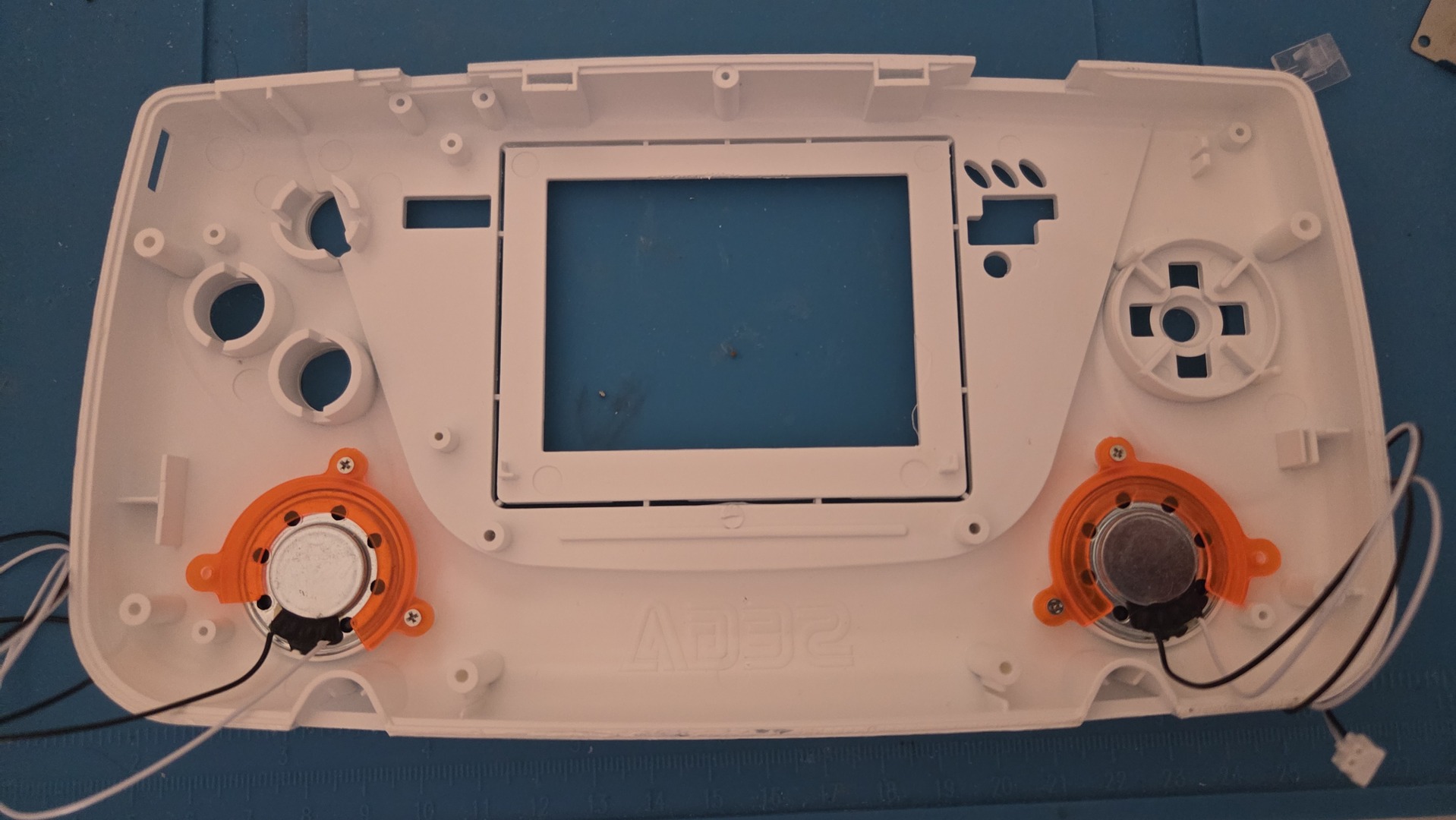
The Sega logo is a sticker with mirrored lettering, so it looks normal once applied. I first applied it to the shell, then protected the face of the front part of the shell before painting. I then applied white spray paint.
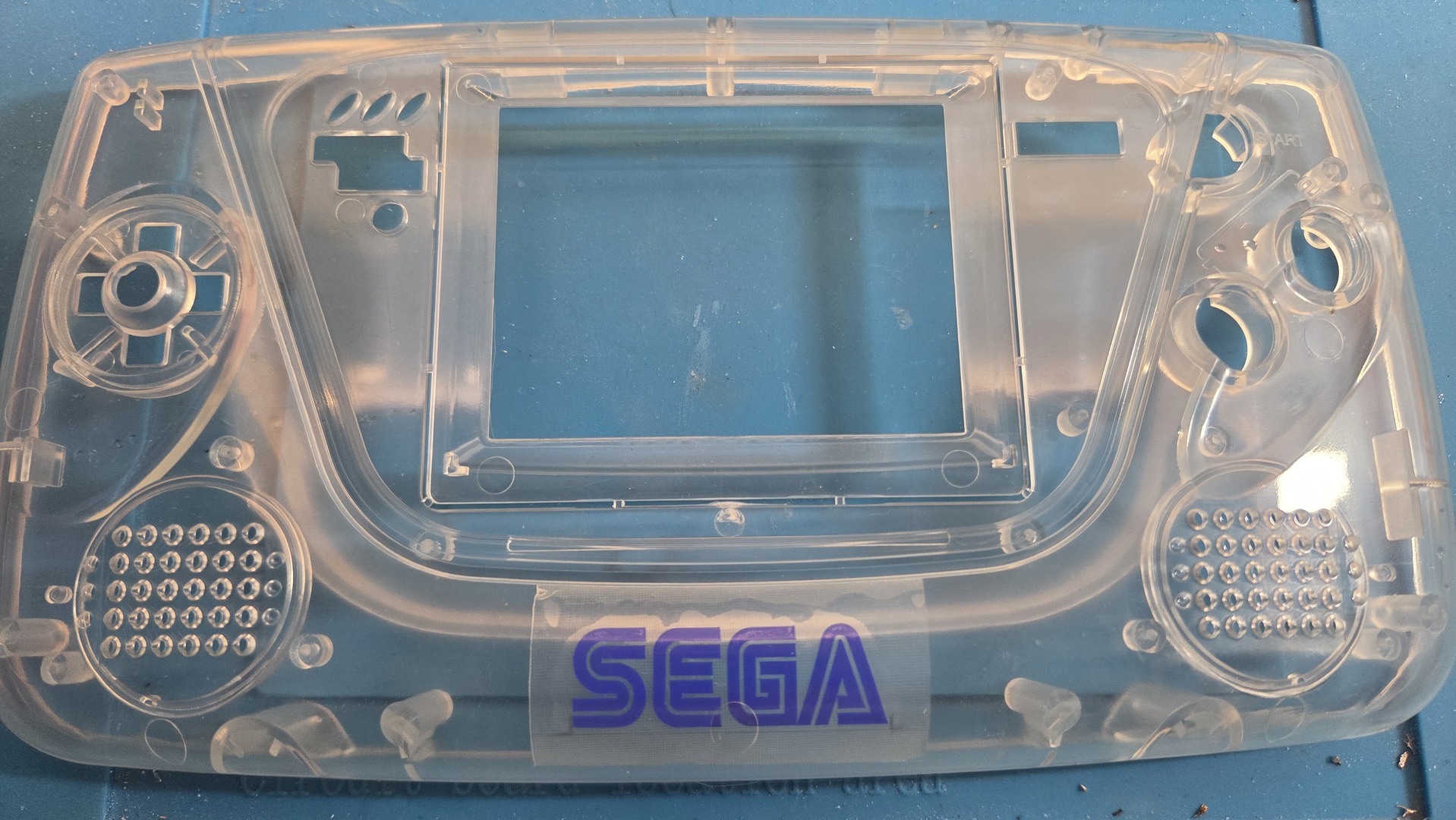
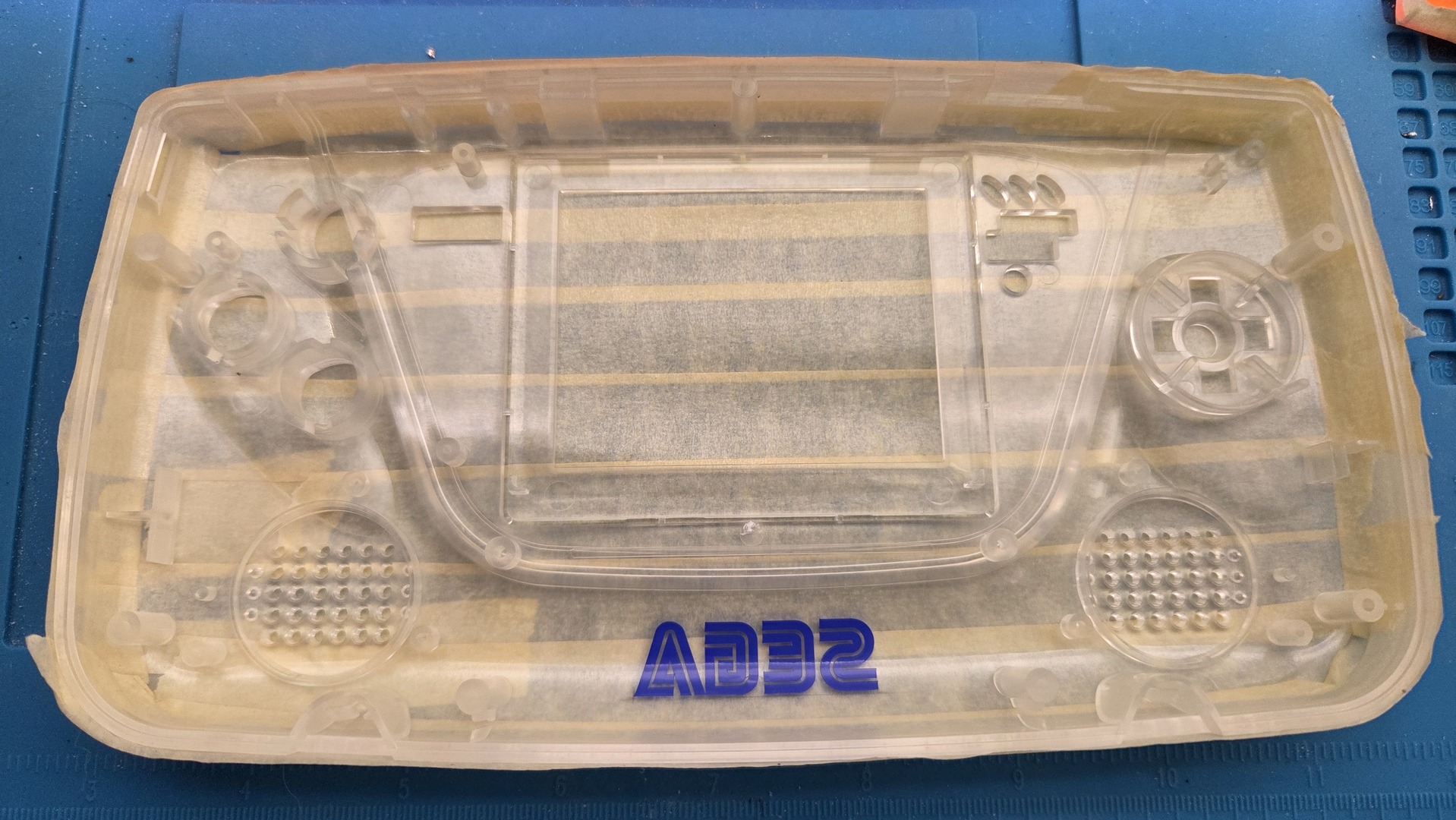
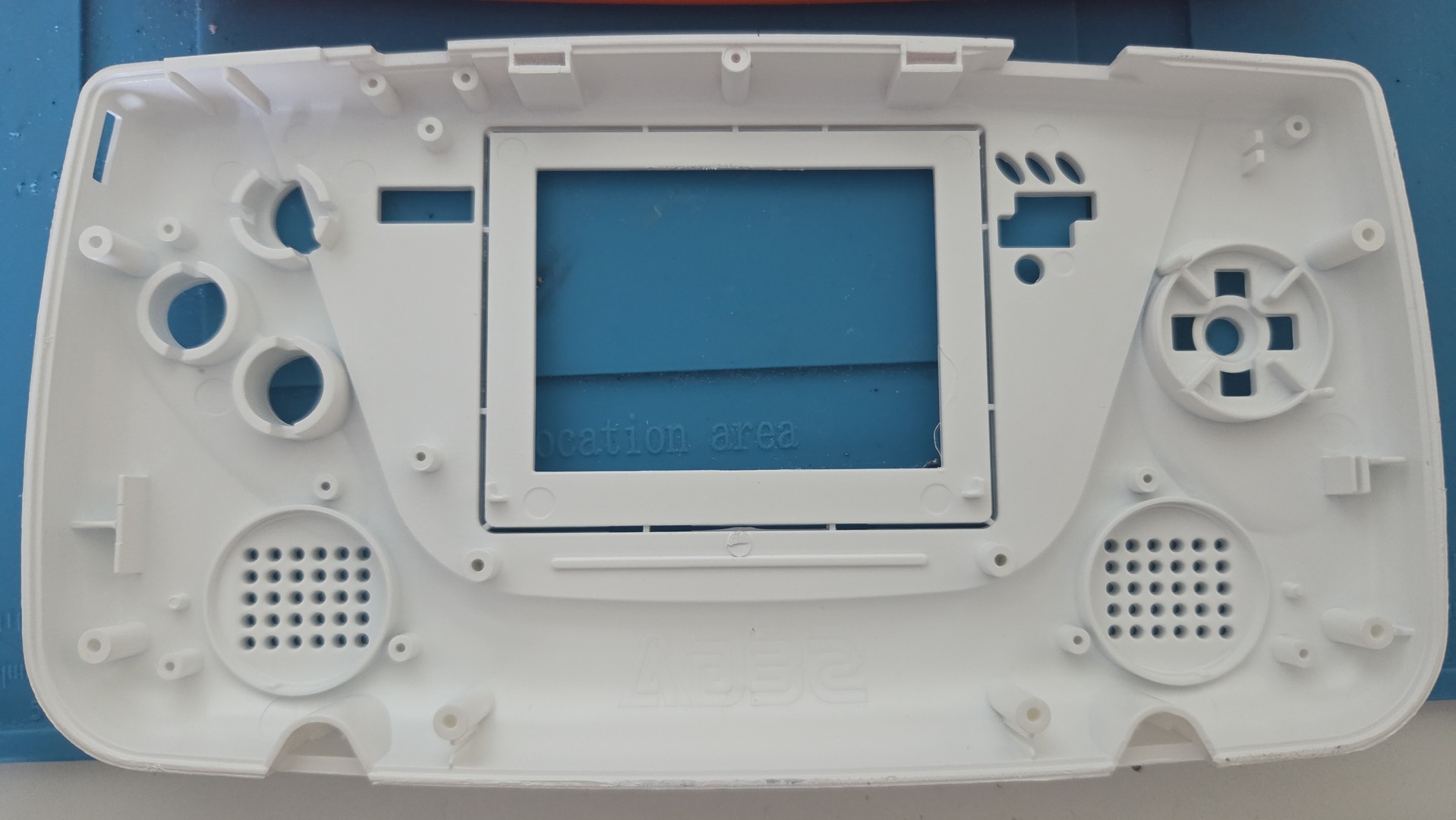
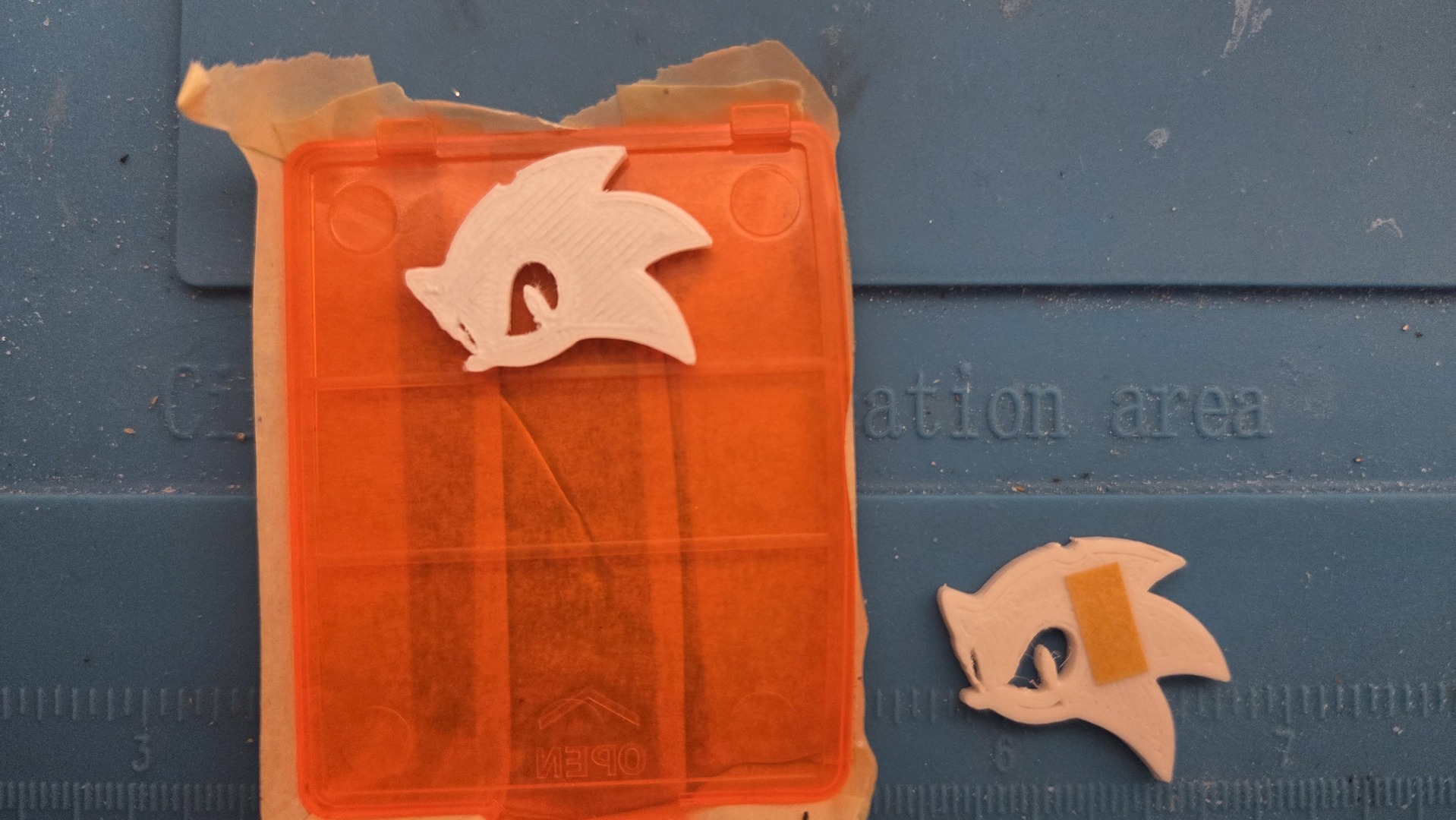
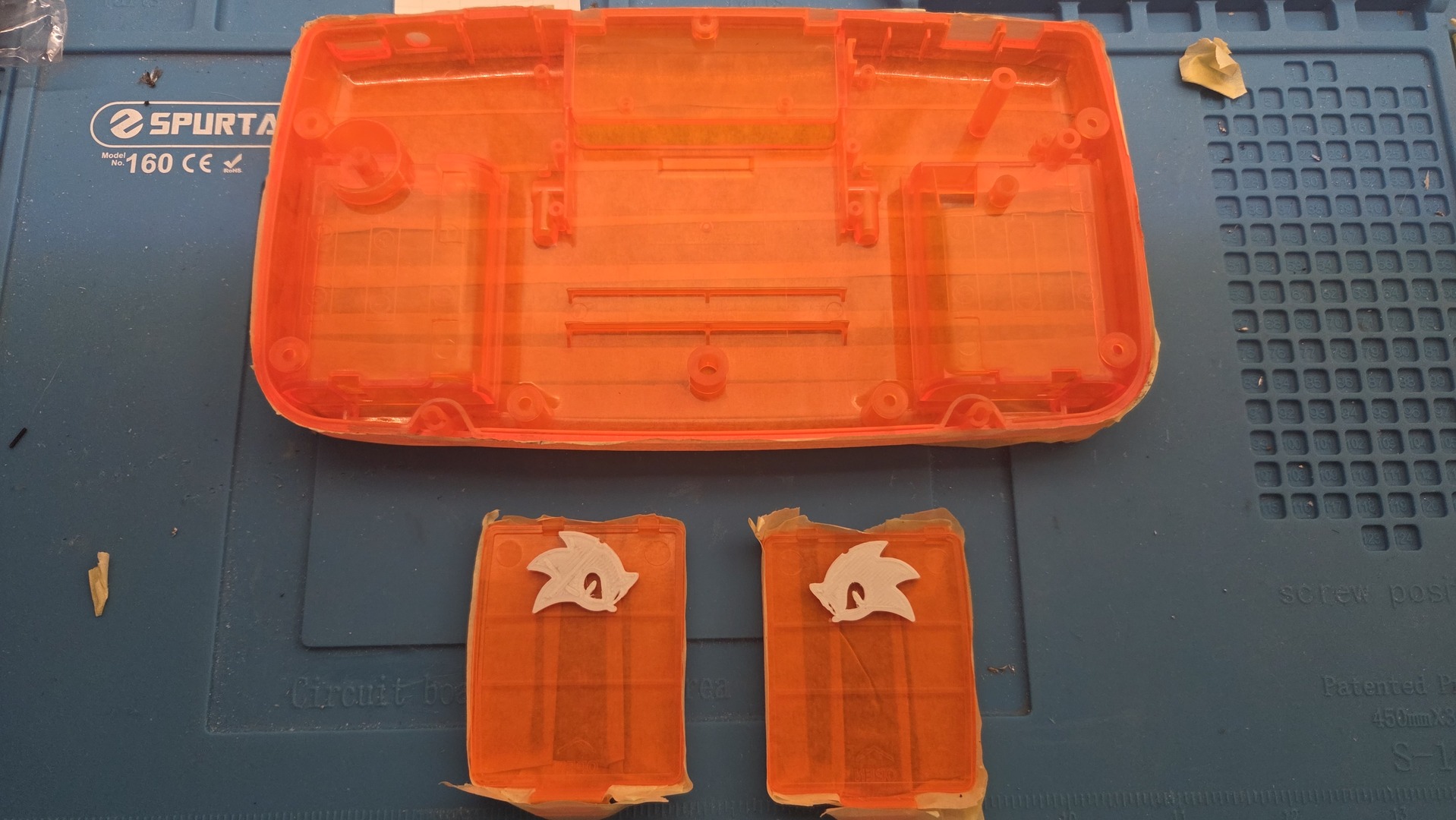
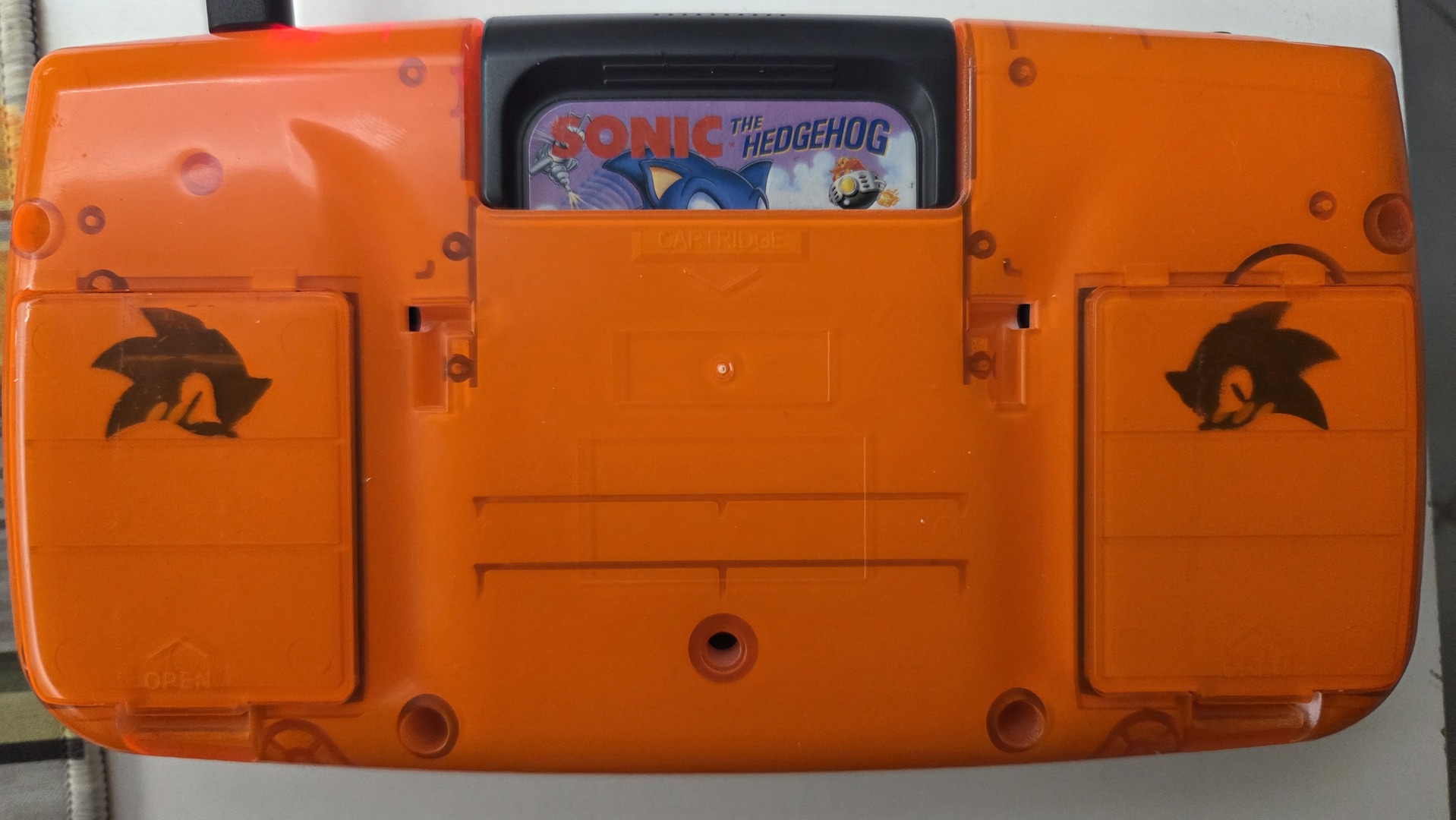
For the rear part of the shell, I used two 3D-printed Sonic heads, one facing the standard direction and the other mirrored. I fixed both with a small piece of double-sided adhesive on each battery cover before painting them with the same white paint.
Stereo sound and USB-C + Lipo
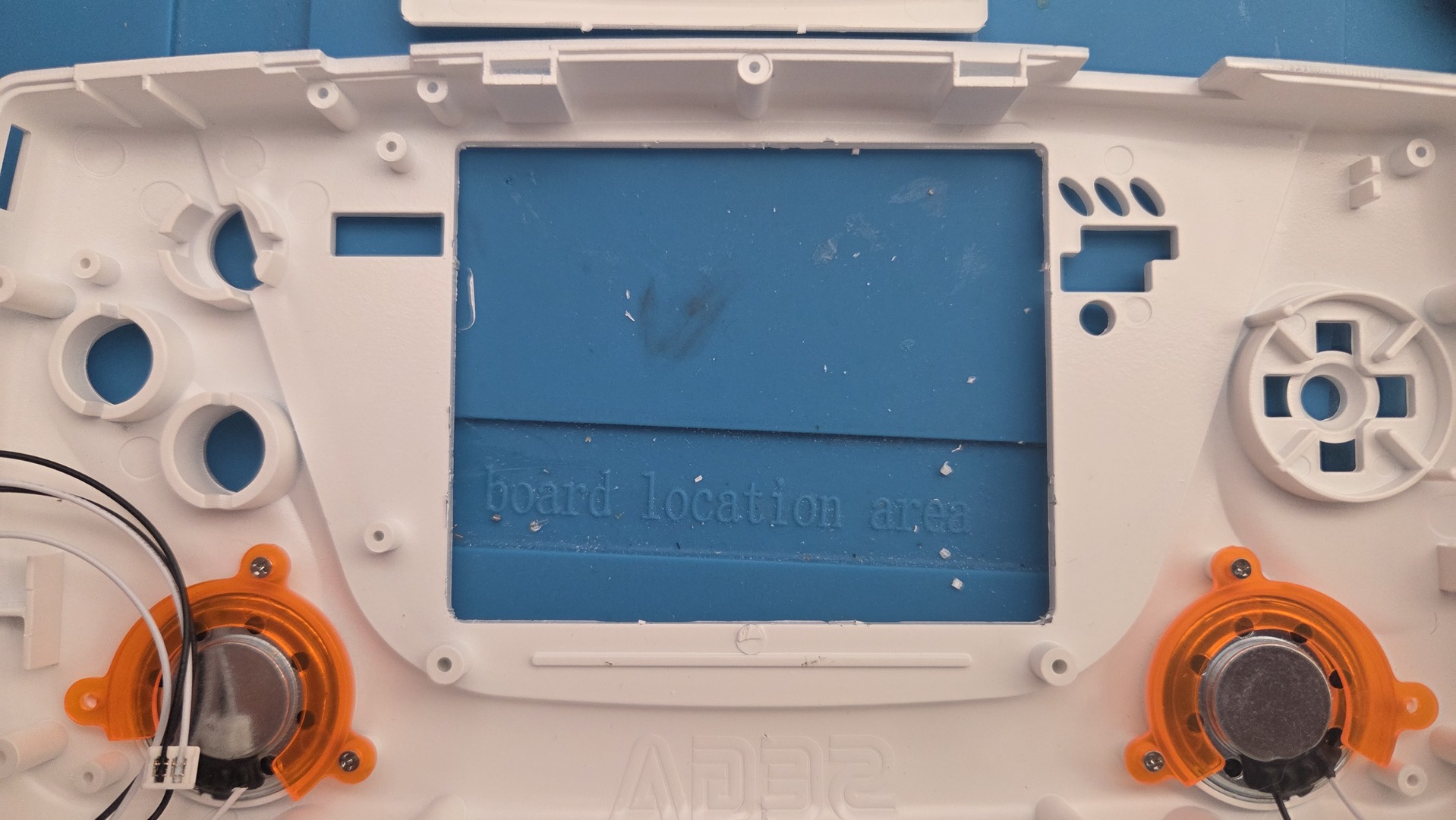
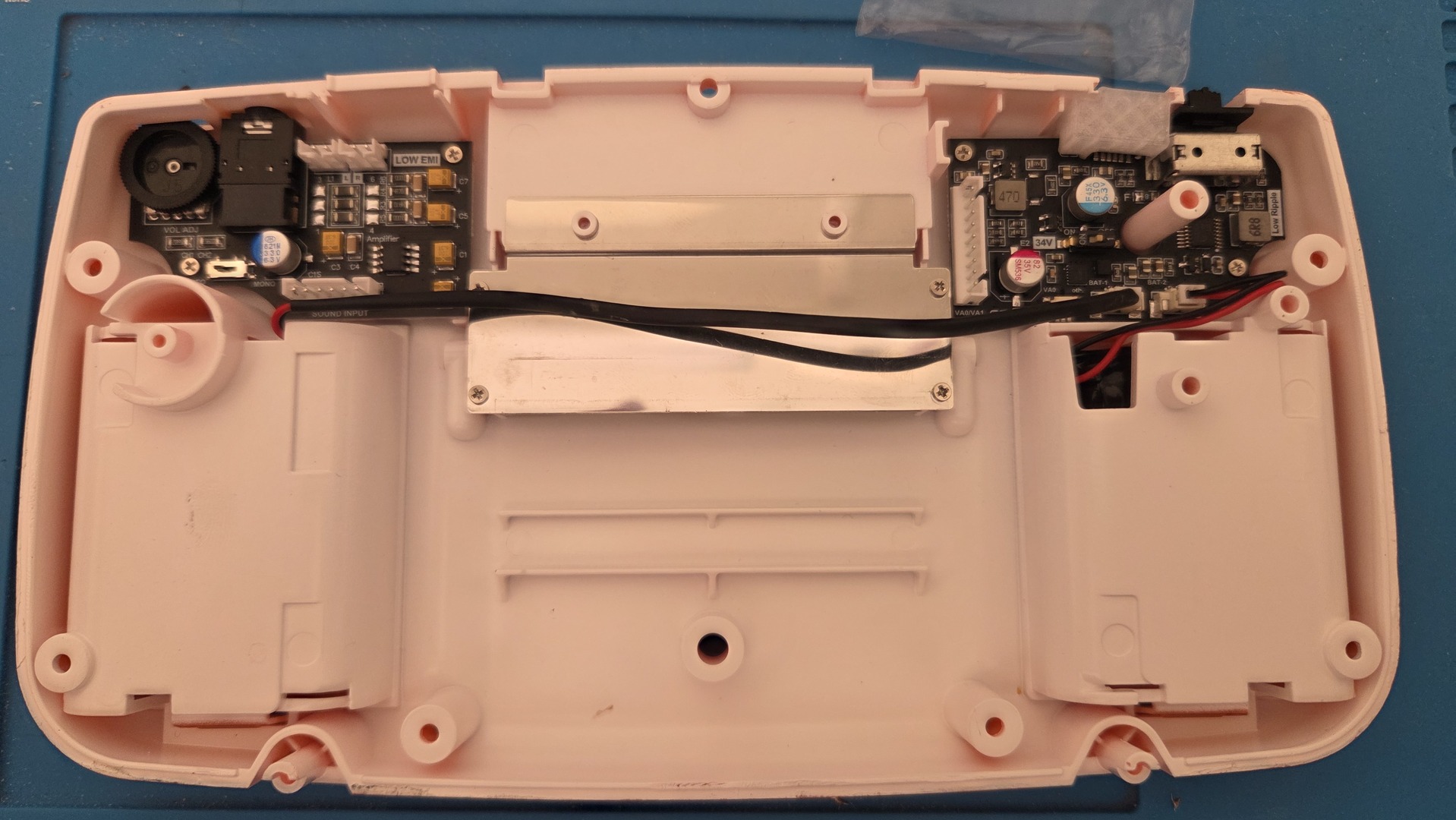
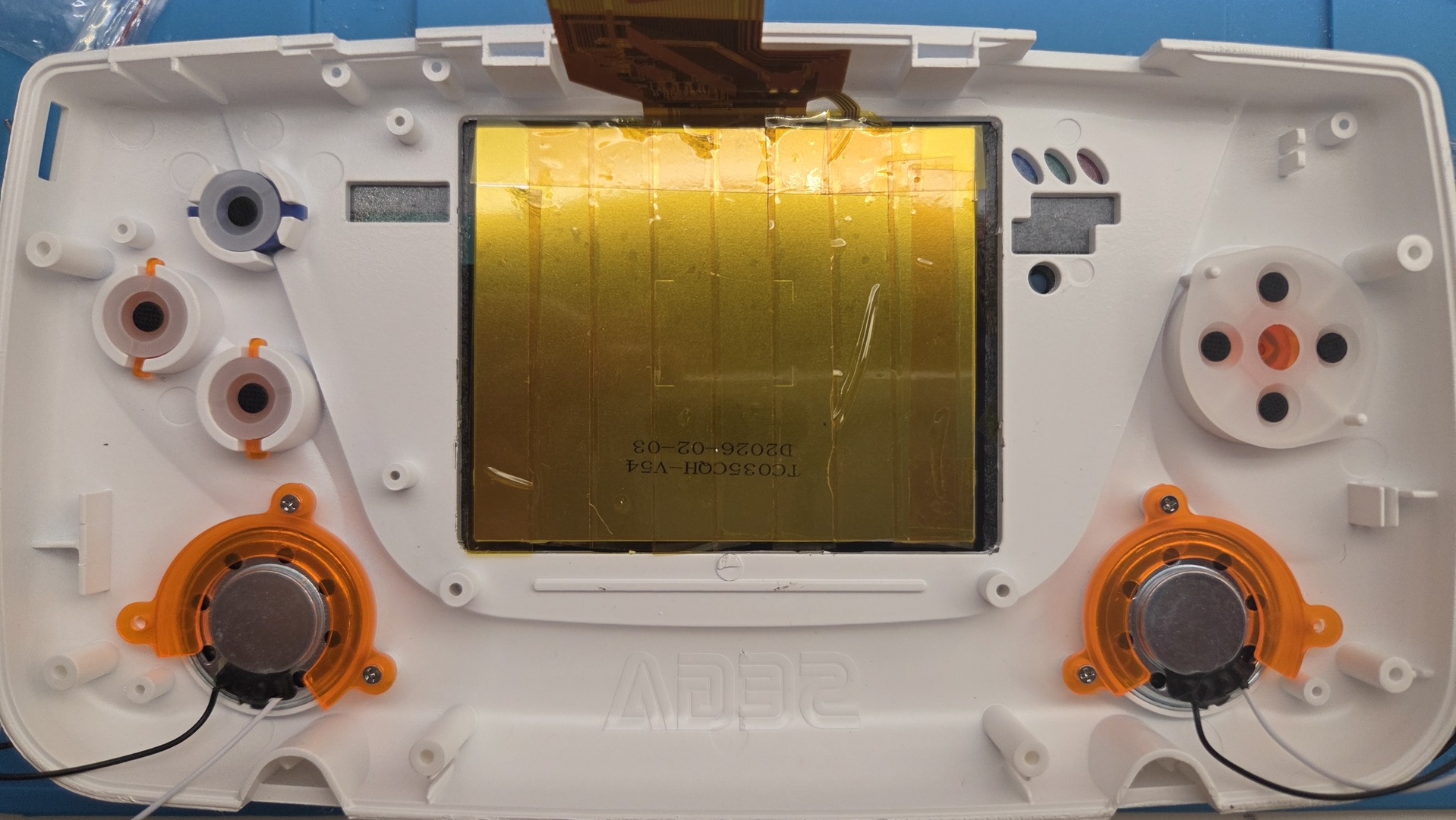
There was nothing special about mounting the audio and LiPo kits. It was also a good time to remove the detachable part of the display bezel, as the screen I chose is larger than the original Game Gear screen.
An Unexpected Audio Issue with the Stereo Sound Board
I noticed something rather strange while testing my game collection.
Most games sounded perfectly fine, with clear stereo separation and plenty of volume. However, when I launched Devilish, the sound was barely audible, even with the volume wheel turned all the way up.
At first, I suspected a problem with the cartridge. But the exact same game worked perfectly on my other two Game Gears, both of which had already been recapped and were running without issues.
Even more strangely, the music and sound effects were all present and sounded correct. They were simply extremely quiet. The problem was identical through the speakers and headphones, and playing for nearly an hour made no difference.
Testing Other Games
My first theory was related to stereo audio.
Unlike the original Game Gear sound board, the A99E provides stereo output through two speakers. Perhaps Devilish handled the Game Gear’s audio channels differently?
To investigate, I tested several other games known to use mono sound. Sonic 2, The GG Shinobi and Streets of Rage all worked perfectly.
That ruled out a simple incompatibility with mono games.
I continued testing cartridges from my collection and eventually discovered that the issue affected several titles.
| Game | Audio on the White Game Gear |
|---|---|
| Devilish | Very low volume |
| Astérix and the Secret Mission | Very low volume |
| Astérix and the Great Rescue | Very low volume |
| The Smurfs | Very low volume |
| The Lucky Dime Caper | Very low volume |
| Castle of Illusion | Very low volume |
| Daffy Duck in Hollywood | Very low volume |
| Sonic Chaos | Very low volume during the SEGA logo and digitized voice only |
| Sonic the Hedgehog 2 | Normal |
| The GG Shinobi | Normal |
| Streets of Rage | Normal |
| Wizard Pinball | Normal |
All the affected games worked normally on my other two Game Gears.
The Sonic Chaos Clue
Sonic Chaos provided the most interesting observation.
During the opening SEGA logo, the digitized voice was almost inaudible. But as soon as the next screen appeared, the music returned to a perfectly normal volume, without touching the volume wheel.
This suggested that the problem wasn’t simply a faulty amplifier or an incorrectly adjusted volume control.
Something about the audio being generated by the game appeared to trigger the issue.
Looking at the VGM Files
With the help of AI and text, I tried to o investigate further. I downloaded the VGM sound archives for Sonic Chaos, Devilish and Astérix and the Secret Mission.
VGM files record the commands sent to the console’s sound hardware, making them useful for comparing how different games generate music and sound effects.
The Game Gear uses a PSG (Programmable Sound Generator) with three tone channels and one noise channel. It also provides a stereo control register, allowing each channel to be routed independently to the left and right outputs.
We examined the PSG commands and stereo register writes in the three games.
Several interesting differences emerged:
- Sonic Chaos: the SEGA logo uses extremely rapid PSG volume changes to reproduce digitized audio, unlike the conventional music played afterward.
- Devilish: the examined VGM tracks contain no explicit Game Gear stereo register writes.
- Astérix and the Secret Mission: the examined tracks explicitly configure the stereo register to
0xFF, enabling all four PSG channels on both outputs.
These results ruled out some of our initial theories.
In particular, the issue cannot be explained simply by games failing to initialize the stereo register, since Astérix explicitly does so and still exhibits the problem.
Likewise, the affected games don’t all use the same sound engine or the same method of generating audio.
The VGM analysis revealed differences in how the games drive the PSG, but no single common characteristic that could conclusively explain the low volume.
Could the A99E Sound Board Be Responsible?
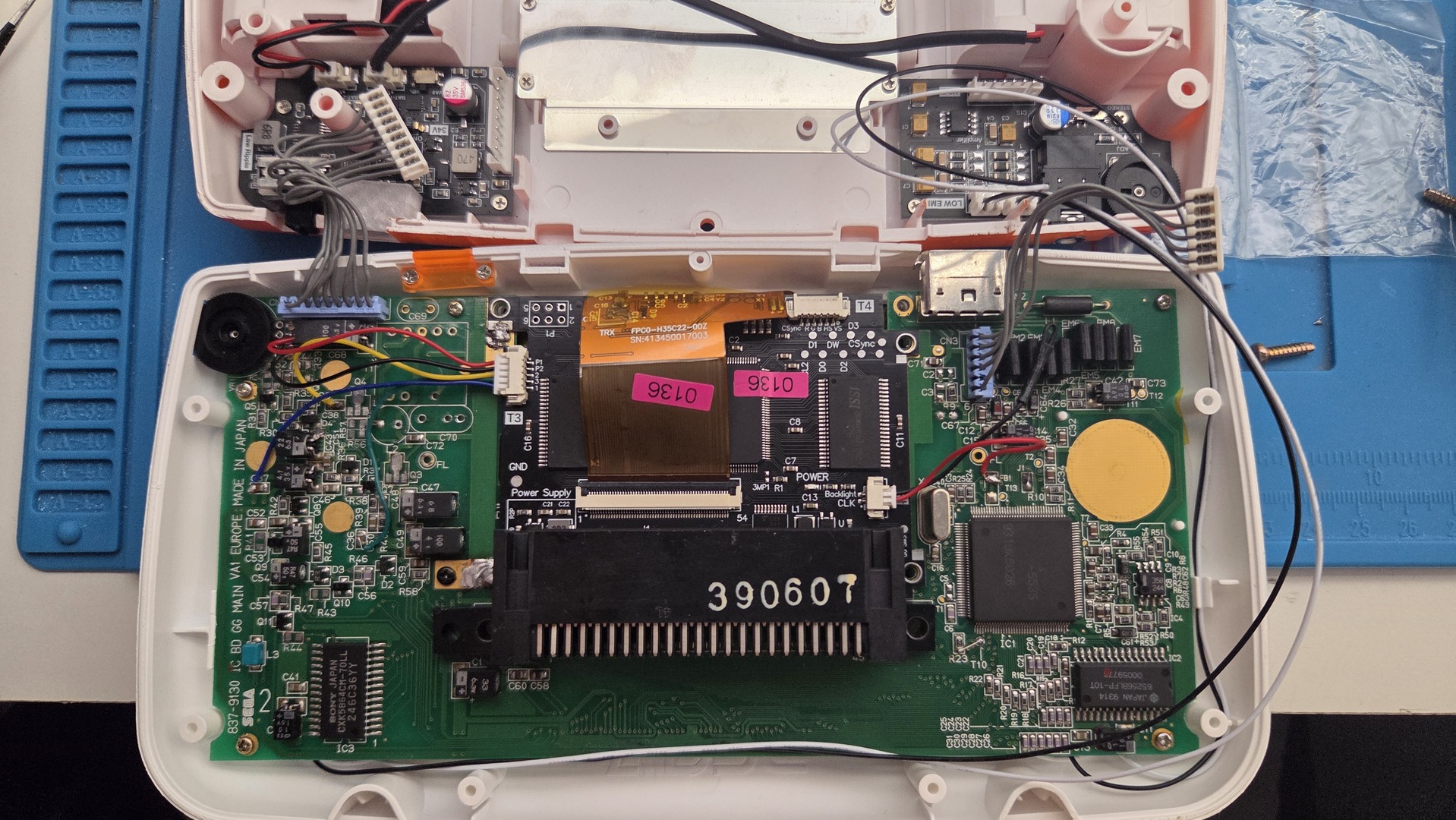
The white Game Gear uses an A99E stereo sound board, marked LOW EMI V2, which completely replaces the original Sega sound board.
It features two speaker outputs, a headphone connector, a volume wheel and a mono/stereo selector.
Since the affected cartridges work normally on my other consoles, the A99E board or its interaction with the Game Gear motherboard is an obvious area to investigate.
Possible explanations include:
- Differences in how the replacement board processes the PSG’s analog audio signals.
- An interaction with the Game Gear’s
SPON(Speaker ON) control signal. - An unexpected response to certain signal levels or frequency characteristics.
- A compatibility issue involving the board’s input or filtering circuitry.
However, these remain hypotheses.
I couldn’t find a publicly available schematic for this particular A99E LOW EMI V2 revision, nor a documented explanation for the behavior.
What Could Be Investigated Next?
For anyone interested in exploring this further, a few approaches might help:
- Compare additional VGM recordings from affected and unaffected games, looking for common PSG initialization sequences or audio characteristics.
- Capture audio output from the same cartridge on an original Game Gear sound board and the A99E, then compare signal levels and frequency response.
- Examine the A99E circuit, particularly its input stage, stereo routing, filtering and handling of the
SPONsignal. - Test another A99E board, ideally the same hardware revision, to determine whether the behavior is specific to my installation or reproducible across multiple units.
A particularly useful experiment would be to compare the SEGA logo and title-screen music in Sonic Chaos, since both behaviors can be reproduced within seconds on the same cartridge.
Final Thoughts
After testing a dozen games and examining several VGM sound archives, I still haven’t identified the exact cause.
What I can say is that the issue is consistent and reproducible: certain games have extremely low audio volume on my white Game Gear, while the same cartridges work perfectly on my other two consoles.
It doesn’t appear to be a general mono/stereo problem, and the VGM analysis hasn’t revealed a simple common sound-engine configuration.
For now, I’m leaving the console as it is. Most games work perfectly, and I don’t intend to disassemble an otherwise functional build just to investigate this curiosity.
Still, it’s an interesting reminder that modern replacement hardware doesn’t always behave exactly like the original electronics.
If you have an A99E stereo sound board in your Game Gear, I’d be interested to hear whether you can reproduce the same behavior, particularly with Devilish, Castle of Illusion or Sonic Chaos.
Perhaps someone in the Game Gear modding community has already encountered this issue and knows what causes it.
Remouting
The remounting phase caused no problems.
I fixed the screen and added some electrical tape to isolate the metallic parts, then added the buttons and translucent rubber pads before screwing in the motherboard. Finally, I plugged in the sound board and power supply.
Final Result
Here is the final result.
Console off, front and back.
The console charging, with the green light indicating that the batteries are full.
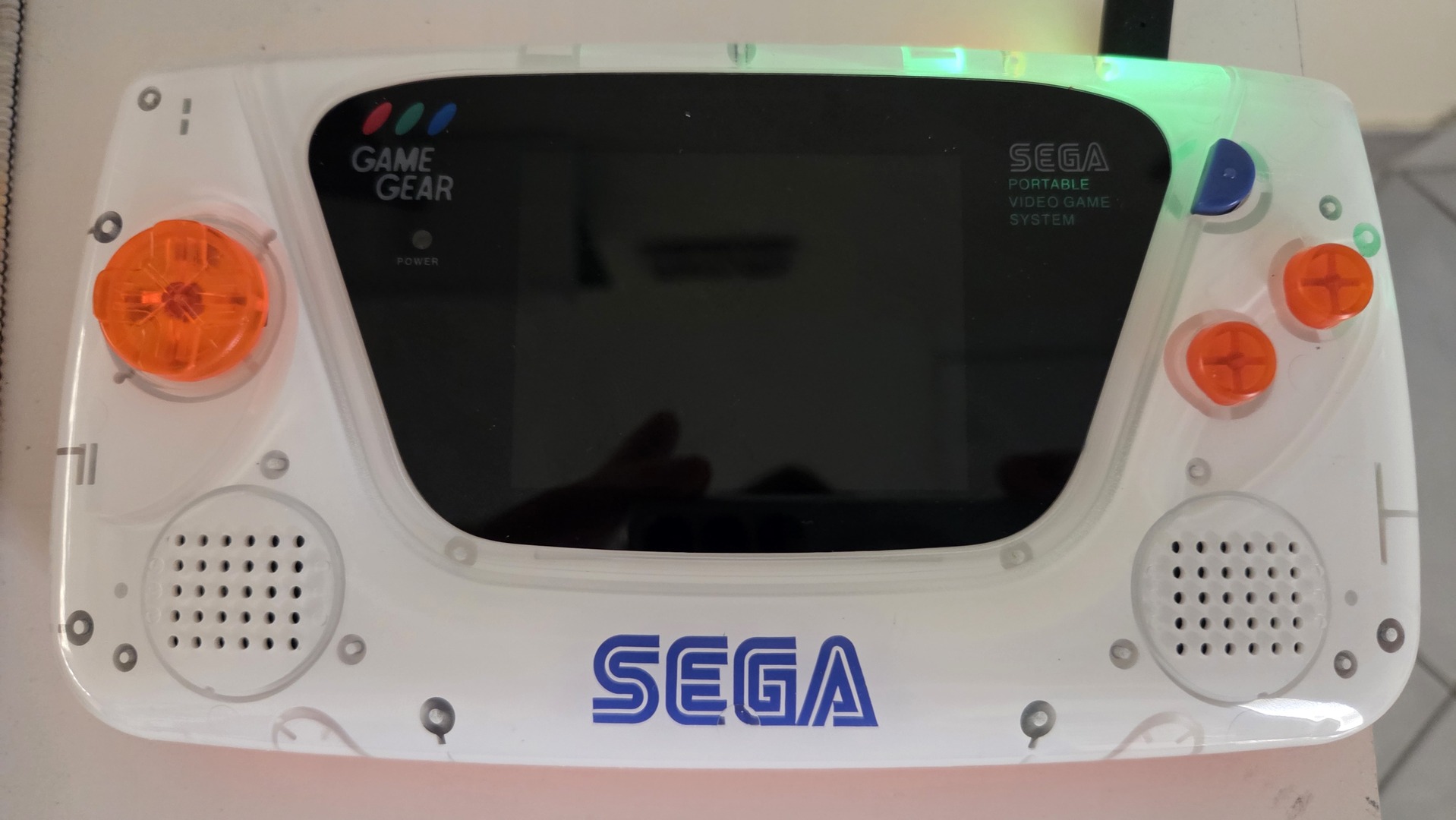
And finally, the beast running Sonic: